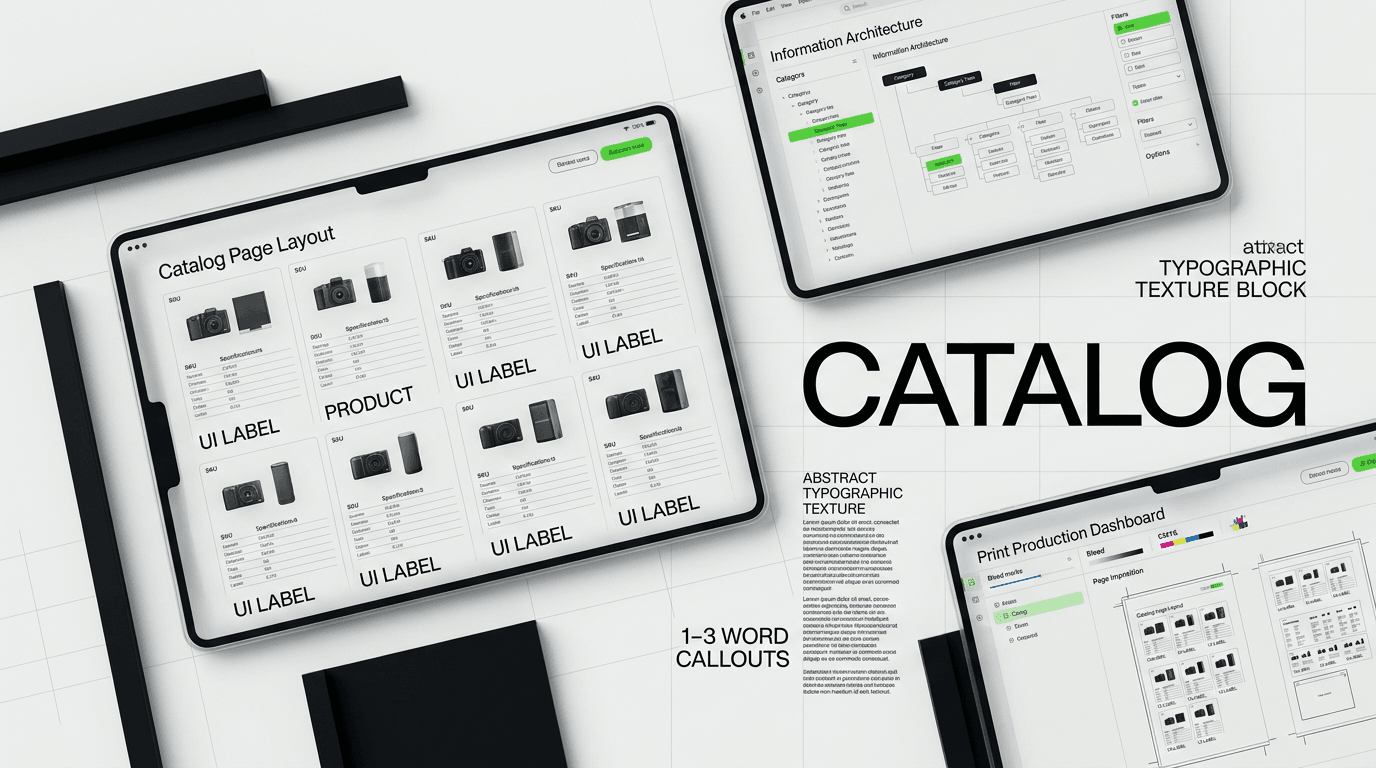
Industrial product catalogs are dense, data-heavy tools for professionals, not lifestyle brochures. They function as sales tools, technical references, and training manuals.
The Unique Demands of Industrial Product Catalogs
Product catalogs for industrial brands are not lifestyle brochures. They are dense, data-heavy tools. Professionals in manufacturing, construction, and engineering rely on these catalogs as working documents, not just marketing pieces. They serve as sales tools, technical references, and sometimes even training manuals.
Our work with Klein Tools, managing a catalog system with over 40,000 SKUs, taught us this distinction intimately. A complex product line requires a design approach focused on clarity, accessibility, and precision. The goal is to make it easy for a buyer, distributor, or technician to find exactly what they need, understand its specifications, and compare it against alternatives. Aesthetics play a part, but utility always comes first.
Neglecting the practical aspects means a catalog becomes a shelf ornament instead of a revenue driver. An industrial catalog must be built to work hard, just like the products it showcases.
Building the Foundation: Data Structure and PIM
Taming Tens of Thousands of SKUs
Before any design work begins, we address the data. A design project for an industrial catalog is often 80% data organization and 20% visual design. With thousands of products, each having multiple attributes, part numbers, and descriptions, data consistency is paramount. Bad data makes good design impossible.

We often start with a data audit. This involves examining existing product information for completeness, accuracy, and standardization. Are product names consistent? Are specifications listed in the same unit of measure? Are descriptions concise and free of jargon that might confuse certain audiences? We look for:
- Consistent naming conventions for products and accessories.
- Standardized measurement units and technical specifications.
- Clear, distinct part numbers for every item.
- High-quality, correctly attributed photography and diagrams.
- Up-to-date compliance and safety information.
Without this foundation, even the best designers will struggle to create an effective catalog. The Klein Tools project involved months of data structuring before a single page was laid out, directly contributing to the 23% dealer adoption lift we helped them achieve.
The Role of a PIM System
For industrial brands dealing with large SKU counts, a Product Information Management (PIM) system is not optional. It is the single source of truth for all product data. DesignX does not implement PIM systems, but we design around them. We work with our clients to understand their PIM structure and how data flows from it.
A well-structured PIM allows for automated catalog generation or at least semi-automated page population. This drastically reduces manual errors and update times. When a product spec changes, or a new model is introduced, the PIM updates, and that change can be reflected across all catalog outputs, print or digital, with minimal human intervention.
Our design process accounts for dynamic data fields and templates. We create flexible layouts in tools like Adobe InDesign that can pull data directly or indirectly from a PIM. This means less time spent copying and pasting, and more time ensuring the information is presented in the most effective way possible.
Grid Design for Clarity and Density
Designing a grid for an industrial product catalog is a balancing act. You need to present a lot of information in a limited space without overwhelming the reader. The key is to create a predictable structure that users can quickly learn and navigate.

We approach this with a modular mindset. Each product entry, or even each data point within an entry, should fit into a consistent module. This ensures uniformity across thousands of pages, making it easy for users to compare products and find specific details.
Modular Grids and Typographic Hierarchy
In InDesign, we develop master pages that define the underlying grid. This grid dictates the placement of product images, specifications, descriptions, and part numbers. The modularity means that if a product has fewer features, its module might be smaller, but it still aligns perfectly with the overall structure. This consistency builds trust and reduces cognitive load for the user.
Typographic hierarchy is another critical component. Not all information holds the same weight. Product names, part numbers, and primary features need to stand out. Secondary details, like specific dimensions or compliance statements, might use a smaller font size or a lighter weight.
- Product names should be distinct, often bold and a larger point size.
- Part numbers need to be immediately identifiable.
- Key specifications often use a consistent font and placement for easy comparison.
- Descriptive text should be legible, typically in a neutral, readable typeface.
- Warning or safety information may use a specific color or icon to draw attention.
We choose typefaces that are highly readable at small sizes and have a wide range of weights. Sans-serif fonts like Open Sans, Lato, or Roboto are common choices for their clarity in technical documents. We might use a serif font for section titles or introductions to provide visual contrast, but the body of the catalog generally sticks to functional type.
Guiding the Eye: Visual Navigation
A user should never feel lost in a 400-page catalog. Visual cues are essential for navigation. Color coding for product categories, tabs on the edge of pages, and consistent iconography all help. For instance, a small, recurring icon next to a product feature might indicate “Made in USA” or “Water Resistant.”
A well-structured table of contents is non-negotiable. An alphabetical index of all products and their corresponding page numbers is also valuable for quick lookups. Many industrial buyers know the specific part number they need, not necessarily the category it falls under.
We also consider the flow of information on a page. Should a product image always be to the left of its description? Are specifications presented in a consistent order? These small decisions build a predictable experience that makes the catalog efficient to use.
Photography: More Than Just a Picture
For industrial products, photography needs to be accurate, not just aesthetically pleasing. A buyer needs to see the product clearly, understand its scale, and identify its key features. Lifestyle shots, while sometimes useful for brand messaging, are secondary to technical clarity in a product catalog.
Consistency in photography is paramount across thousands of SKUs. This means:
- Consistent lighting and shadow treatment to ensure product details are clear.
- Standardized angles for primary product views, allowing for easy comparison.
- Neutral, often white or light gray, backgrounds that do not distract from the product.
- Inclusion of scale references, like a hand or a common tool, where appropriate.
Sometimes, a single product photo is not enough. We might include multiple views, close-ups of specific mechanisms, or even exploded diagrams to show internal components. Technical drawings, like CAD renders, also play a vital role, especially when precise dimensions or assembly instructions are needed.
For companies like HP or Bodybuilding.com, photography is about aspiration. For an industrial brand, it is about information and function. We work with clients to develop detailed photography style guides that ensure every product image serves its practical purpose effectively.
Bridging Print and Digital
The industrial sector has been slower to adopt digital-first strategies for catalogs, but that trend is changing. Many professionals still prefer a physical catalog they can mark up, carry to a job site, or reference quickly without relying on a screen. However, digital catalogs offer searchability, interactivity, and instant updates.
Designing for Print Production
Print catalogs require specific design considerations. We design with print specifications in mind from day one:
- Color Profiles: CMYK for print, not RGB. We manage color consistency across the entire catalog.
- Bleed and Trim: Ensuring images and background elements extend beyond the trim line to avoid white edges.
- Paper Stock and Binding: These influence the page count, overall thickness, and durability. A perfect-bound catalog needs different margins than a spiral-bound one.
- Page Count: Large catalogs are expensive to print. We design efficiently to manage page count without sacrificing clarity.
Our agency’s roots are in print, and we understand the nuances of prepress. We deliver print-ready files that minimize errors and ensure the final product matches the design intent. For a 40,000 SKU catalog, getting print right the first time saves significant cost and time.
Adapting for Digital Channels
A digital version of the product catalog needs more than just a PDF of the print version. It should offer an improved user experience. This means:
- Interactive navigation with clickable table of contents and indexes.
- Powerful search functionality that goes beyond basic text matching.
- Embedded videos or 3D models for complex products.
- Links to product pages on the e-commerce site for direct purchasing.
- Responsive design for viewing on various devices, from desktops to tablets.
The goal is not to replicate print exactly, but to translate the information architecture into a format that uses digital capabilities to its advantage. Maintaining visual consistency between print and digital is important for brand recognition, but the user experience should be optimized for each medium.
The Business Impact of a Well-Designed Catalog
Designing an industrial product catalog is more than a creative exercise. It is a strategic business decision. A well-designed catalog directly impacts sales, distribution partnerships, and customer service efficiency. For Klein Tools, our redesigned catalog system contributed to a 23% increase in dealer adoption. That is a measurable business outcome.
When procurement managers can quickly find the right part number, sales teams can present product lines
Frequently Asked Questions
What should teams know about the unique demands of industrial product catalogs?
Product catalogs for industrial brands are not lifestyle brochures. They are dense, data-heavy tools. Professionals in manufacturing, construction, and engineering rely on these catalogs as working documents, not just marketing pieces. They serve as sales tools, technical references, and sometimes even training manuals.
What should teams know about data structure and pim?
Taming Tens of Thousands of SKUs Before any design work begins, we address the data. A design project for an industrial catalog is often 80% data organization and 20% visual design. With thousands of products, each having multiple attributes, part numbers, and descriptions, data consistency is paramount. Bad data makes good design impossible.
What should teams know about grid design for clarity and density?
Designing a grid for an industrial product catalog is a balancing act. You need to present a lot of information in a limited space without overwhelming the reader. The key is to create a predictable structure that users can quickly learn and navigate. We approach this with a modular mindset.
What should teams know about more than just a picture?
For industrial products, photography needs to be accurate, not just aesthetically pleasing. A buyer needs to see the product clearly, understand its scale, and identify its key features. Lifestyle shots, while sometimes useful for brand messaging, are secondary to technical clarity in a product catalog. Consistency in photography is paramount across thousands of SKUs.
How should teams approach bridging print and digital?
The industrial sector has been slower to adopt digital-first strategies for catalogs, but that trend is changing. Many professionals still prefer a physical catalog they can mark up, carry to a job site, or reference quickly without relying on a screen. However, digital catalogs offer searchability, interactivity, and instant updates. Designing for Print Production Print catalogs require specific design considerations.