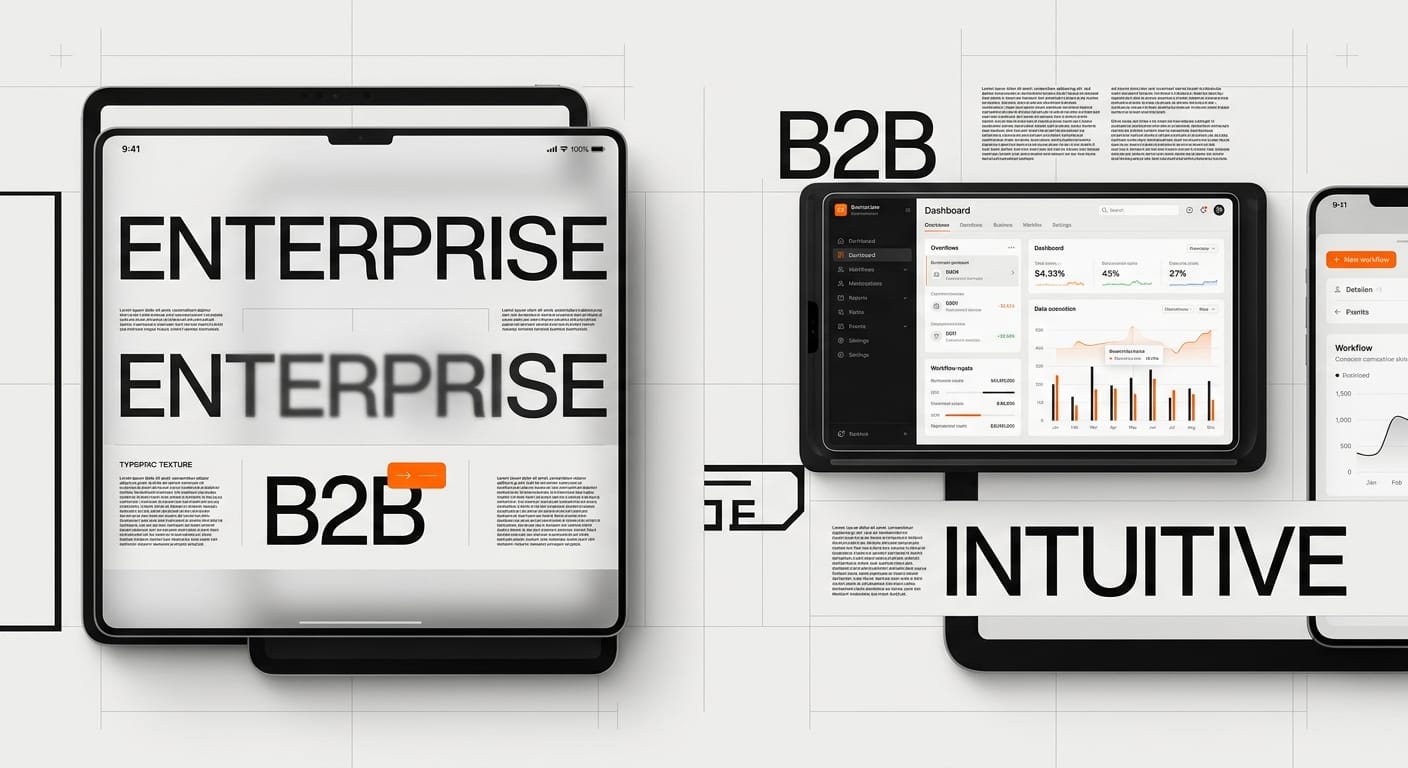
B2B UX design faces the challenge of enterprise users expecting consumer-grade experiences from their work software. The disconnect between sleek personal apps and clunky business tools leads to user frustration and company costs.
The line between consumer and enterprise software is blurring. Today’s B2B UX design faces a fundamental challenge: employees who spend their evenings navigating beautifully designed apps like Instagram and Spotify are forced to spend their workdays wrestling with clunky, outdated business software UX. This disconnect isn’t just frustrating, it’s costing companies millions in lost productivity, training expenses, and employee satisfaction.
The consumerization of B2B software has moved from trend to expectation. Tools like Slack, Figma, Linear, and Notion have proven that enterprise UX design doesn’t have to sacrifice elegance for functionality. These products deliver powerful features wrapped in interfaces that feel intuitive from day one, raising the bar for what users expect from workplace tools. When your employees are digital natives who expect Netflix-level usability, settling for outdated enterprise software is no longer acceptable.
Yet despite these shining examples, most B2B SaaS design remains stuck in the past. The average enterprise user still navigates cluttered dashboards, memorizes cryptic workflows, and endures multi-week training sessions just to do their job. The question isn’t whether enterprise users deserve better, it’s why so many B2B products still haven’t caught up.
The B2B UX Gap: Why Enterprise Software Falls Short
The Legacy of “It’s Fine Because It’s Work”
For decades, B2B software operated under a dangerous assumption: if the tool gets the job done, users will tolerate bad design. Enterprise buyers focused exclusively on feature checklists and integration capabilities, treating B2B user experience as a nice-to-have rather than a necessity. This mindset created generations of software that required extensive training, cluttered interfaces with every possible option visible, and workflows that reflected database architecture rather than human logic.
The result? Companies invested millions in tools that employees actively avoided using. Shadow IT emerged as frustrated workers sought consumer apps to replace clunky enterprise systems, creating security nightmares for IT departments.
The Cost of Poor B2B UX
Bad B2B product design isn’t just annoying, it’s expensive. Studies show that for every dollar invested in UX, companies see a return of $100 (a 9,900% ROI). Yet most B2B companies continue shipping products that demand excessive training, slow down experienced users with unnecessary clicks, and force employees to develop workarounds just to complete basic tasks.
Consider the hidden costs: longer onboarding times that delay productivity, higher support ticket volumes that strain resources, increased error rates from confusing interfaces, and employee turnover driven by frustration with inadequate tools. When a sales rep spends 30 extra minutes per day fighting with their CRM instead of closing deals, that’s not just a UX problem, it’s a revenue problem.
Why B2B Lagged Behind Consumer Design
The B2B software industry developed differently than consumer tech. Traditional enterprise vendors sold to IT departments and executives who rarely used the software themselves, creating a disconnect between buyers and end users. Long sales cycles and multi-year contracts meant products didn’t face immediate market pressure to improve, and switching costs were so high that companies tolerated subpar experiences rather than migrating to better tools.
Additionally, the complexity of enterprise needs became an excuse for complexity in design. Teams confused “powerful” with “complicated,” assuming that professional users wanted, or at least would accept, interfaces packed with options and dense with information.
The New Generation of B2B Tools
Modern B2B success stories prove the old assumptions wrong. Slack didn’t become a multi-billion dollar company by cramming features into every screen, it won by making team communication feel effortless. Figma didn’t capture the design market through enterprise sales tactics alone, it grew through genuine user love and viral adoption. Linear didn’t need extensive training programs, its interface is intuitive enough that developers start using it productively within hours.
These companies succeeded by treating enterprise UX design with the same rigor and user-centricity that consumer apps demand. They proved that B2B users aren’t a different species requiring different design standards, they’re the same people using consumer apps, just trying to get their work done.
B2B vs B2C UX: Differences That Actually Matter
Complexity vs. Complication (And Why They’re Not the Same)
The fundamental distinction in B2B vs B2C UX isn’t about being “simple” versus “advanced”, it’s about managing genuine complexity without creating unnecessary complication. Consumer apps typically solve narrower problems with fewer variables: order food, play music, share photos. B2B tools tackle genuinely complex domains like managing enterprise sales pipelines, coordinating multi-team product development, or analyzing financial data across global organizations.
The challenge is handling this inherent complexity through progressive disclosure, intelligent defaults, and contextual interfaces rather than dumping everything onto users at once. Notion shows this balance: simple enough for personal note-taking yet powerful enough for team wikis and project management. The complexity exists, but the interface doesn’t feel complicated.
Task Frequency and Power User Optimization
B2B software users are power users by definition. They don’t dabble with the tool occasionally, they live in it for 8+ hours daily. This changes the entire B2B UX design equation. While consumer apps must be instantly understandable for casual users, B2B tools can optimize for keyboard shortcuts, customizable workflows, and efficiency features that reward mastery.
Linear understands this perfectly. Its command palette (Cmd+K) becomes second nature to daily users, dramatically speeding up task creation and navigation. The interface doesn’t just accommodate power users, it’s designed primarily for them, knowing that the time invested in learning keyboard shortcuts pays dividends over thousands of interactions.
However, this doesn’t excuse poor onboarding. Even power users were beginners once, and the path from novice to expert should be smooth and supported.
Collaborative and Multi-User Workflows
Unlike most consumer apps where each user operates independently, B2B SaaS design must account for complex collaborative workflows. Multiple team members work on the same projects, hand off tasks between departments, require permissions and approval systems, and need visibility into what others are doing without constant meeting overhead.
Figma revolutionized design collaboration by making real-time multiplayer a core feature rather than an afterthought. Designers see colleagues’ cursors moving across the canvas, can jump into files to provide quick feedback, and leave comments directly on design elements. This transforms workflows that previously required endless email chains and version control nightmares.
Accountability, Audit Trails, and Compliance
Enterprise environments demand transparency that most consumer apps never consider. Who changed this record and when? What was the previous value? Who approved this action? Enterprise UX design must build these requirements into the experience without making users feel surveilled or burdened by bureaucracy.
The best B2B tools handle this through well-designed activity logs, version history, and permission systems that remain unobtrusive until needed. Users shouldn’t think about audit trails during normal workflows, but when someone asks “who updated this client record?”, the answer should be two clicks away.
Key Principles of Exceptional B2B UX Design
Onboarding: From Sign-Up to First Value
Time to value is the critical metric for B2B onboarding. How quickly can a new user accomplish something meaningful? Traditional enterprise software measured onboarding in weeks of training. Modern B2B product design measures it in minutes. Slack’s empty state design guides new teams through their first channels and messages. Notion’s templates let users start with pre-built structures rather than blank pages.
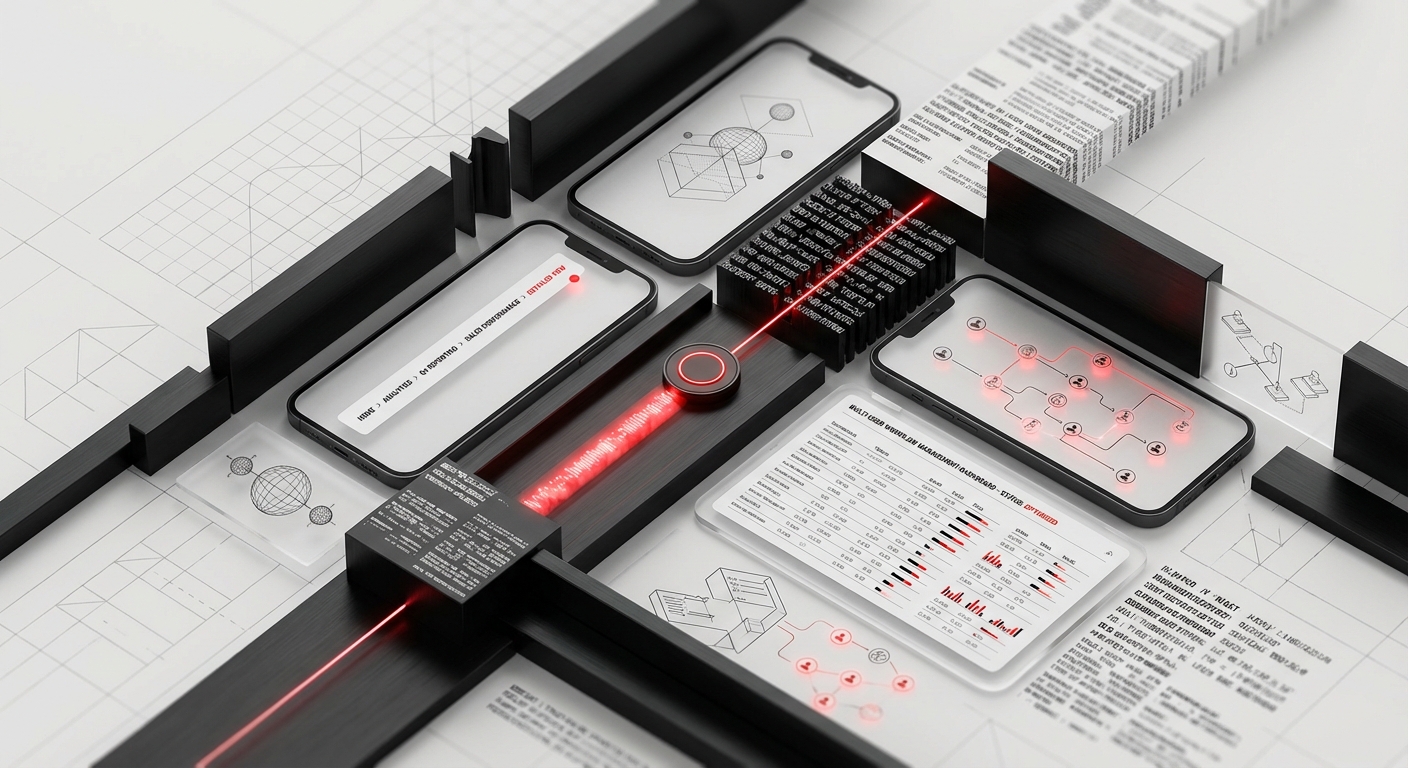
Effective B2B onboarding layers complexity progressively. Show users the 20% of features they’ll use 80% of the time first. Provide contextual tooltips and walkthroughs that appear when relevant rather than forcing users through lengthy tutorials before they can touch the actual product. And crucially, allow users to skip or dismiss guidance, power users migrating from competitor tools don’t need hand-holding.
Workflow Optimization: Reducing Cognitive Load
B2B user experience succeeds or fails based on daily workflow efficiency. Every unnecessary click, every modal that interrupts flow, every time a user needs to switch contexts or remember information between screens, these micro-frictions compound into massive productivity drains. The goal isn’t feature richness; it’s allowing users to accomplish their actual job with minimal tool friction.
This requires deeply understanding user workflows, not just features they might need. What tasks happen sequentially? What information needs to be visible simultaneously? Where can the system anticipate needs and surface relevant options? Linear’s automatic project creation when you mention “Project: XYZ” in task descriptions, or Superhuman’s “remind me if no reply” feature, these are workflow optimizations born from genuine user empathy.
Smart defaults eliminate decisions that don’t matter while preserving control over decisions that do. Auto-save liberates users from remembering to save manually. Intelligent suggestions (like smart replies in email) speed up common actions. Keyboard shortcuts and command palettes let power users bypass menu navigation entirely.
Handling Data Density Without Overwhelming Users
Enterprise users often need access to large amounts of information, sales data, customer records, project timelines, analytics dashboards. The challenge of enterprise UX design is presenting this data density in ways that remain scannable, comprehensible, and actionable. The solution isn’t cramming more into each screen; it’s organizing information hierarchically and allowing users to drill down as needed.
Table designs matter enormously in B2B interfaces. Airtable demonstrates how spreadsheet-style data can feel modern and usable through careful typography, generous spacing, color coding, and customizable views. Users can switch between grid, calendar, kanban, and gallery views of the same data, choosing the visualization that fits their current task.
Dashboards should follow the “glanceable then explorable” principle: the most critical metrics visible immediately, with the ability to drill into details without leaving context. Avoid the enterprise dashboard disease of cramming 20 widgets onto one screen until nothing is readable. Three well-designed, genuinely useful widgets beat fifteen mediocre ones.
Designing for Collaboration and Communication
Modern B2B SaaS design recognizes that work is fundamentally collaborative. Features like commenting, @-mentions, real-time presence indicators, and activity feeds transform tools from individual productivity apps into team collaboration platforms. The key is integrating these social features naturally into workflows rather than bolting them on as separate modules.
Notion threads conversations directly on document blocks where discussions happen. Figma attaches comments to specific design elements, maintaining context even as the design evolves. Linear connects conversations directly to issues, creating a searchable knowledge base that captures the “why” behind every decision. These aren’t separate “collaboration features”, they’re core to how the product works.
Designing for Multiple Stakeholders and Buyers
The End User vs. The Economic Buyer
The most challenging aspect of B2B UX design is satisfying two completely different audiences: the employees who’ll use your product daily (end users) and the executives who’ll approve the purchase (economic buyers). These groups have different needs, priorities, and evaluation criteria. End users care about daily usability, efficiency, and whether the tool makes their job easier. Economic buyers care about ROI, security, compliance, integration with existing systems, and adoption rates.
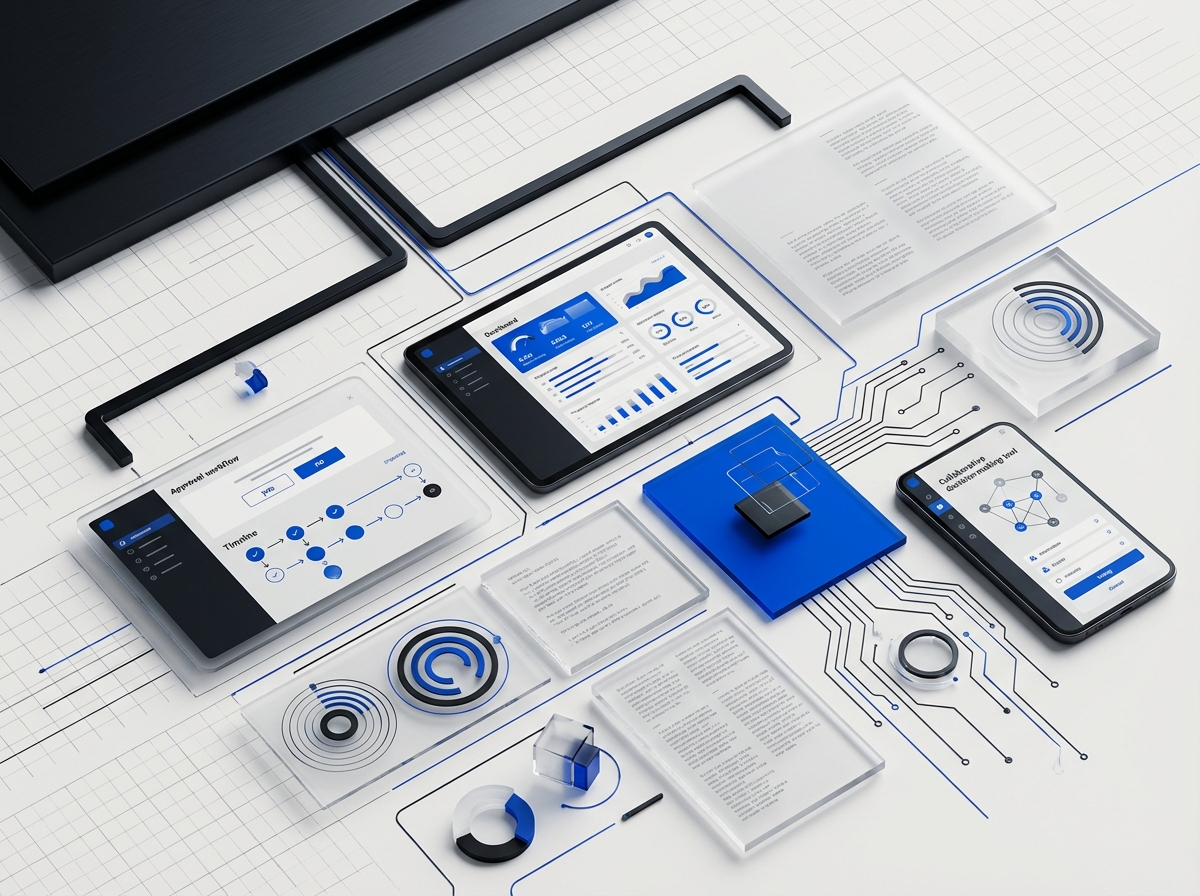
Traditional enterprise software optimized entirely for economic buyers, creating feature-bloated products that won in board rooms but lost in daily usage. The new approach is “bottom-up enterprise,” where products win end users first through superior B2B user experience, then grow organically within organizations until they reach buying decision makers. Slack, Figma, and Notion all followed this pattern.
The solution isn’t choosing one audience over the other, it’s designing experiences that serve both. The product interface should delight daily users. The admin panel, analytics dashboard, and security documentation should give buyers confidence in their investment.
Admin and Configuration Experiences
Enterprise tools require extensive administrative functionality: user management, permissions, SSO configuration, usage analytics, billing management, and compliance controls. These admin experiences are often where enterprise UX design falls apart. Companies invest heavily in end-user interfaces but treat admin panels as afterthoughts, resulting in overwhelming settings pages and configuration processes that require consulting support.
Your admin users deserve good design too. Admin interfaces should be as thoughtfully designed as end-user features. Provide clear navigation through complex settings, use plain language instead of technical jargon (or explain jargon when necessary), show the impact of changes before committing them, and offer templates or recommended configurations for common use cases.
Stripe’s developer dashboard is exemplary here, it manages incredible complexity (API keys, webhooks, payment flows, compliance requirements) through clean information architecture and excellent documentation integrated directly into the interface.
Onboarding Different User Roles
B2B products typically serve multiple user roles with different needs: administrators who configure the system, managers who oversee teams and need reporting, and individual contributors who execute daily tasks. Each role requires different onboarding experiences. A marketing manager exploring your tool needs different guidance than an executive evaluating enterprise deployment.
Role-based onboarding presents relevant features and workflows based on the user’s position. Don’t show individual contributors admin features they can’t access. Don’t bury the analytics dashboard that executives specifically want to see. Smart B2B product design adapts the first-run experience based on the user’s role, team size, and industry.
Building for Scale and Enterprise Requirements
As B2B products move upmarket to enterprise customers, new requirements emerge: advanced security features, compliance certifications (SOC 2, GDPR, HIPAA), audit logs, data residency options, and enterprise support SLAs. These aren’t UX features in the traditional sense, but they’re critical to enterprise UX design at scale because they determine whether large organizations can adopt your product at all.
The challenge is adding enterprise requirements without compromising the simple, elegant experience that won you early customers. This typically means keeping the core product clean while building enterprise features as optional layers: advanced permissions systems that remain invisible to small teams who don’t need them, compliance documentation readily available but not blocking the core experience, and enterprise configuration options in dedicated admin areas rather than cluttering the main interface.
Measuring B2B UX Success
Beyond NPS: Metrics That Actually Matter
Net Promoter Score (NPS) has become the default metric for measuring B2B user experience, but it tells an incomplete story. While knowing whether users would recommend your product is valuable, it doesn’t explain why or identify specific friction points. Effective UX measurement requires a broader metrics framework.
Time to value measures how quickly new users accomplish meaningful tasks. Track how long from signup to first key action, creating a project, sending a message, generating a report. Friction here predicts long-term adoption. Feature adoption rates show which capabilities users actually use versus which remain undiscovered. Low adoption of key features often indicates UX problems, not lack of need.
Task completion rates and time quantify efficiency. How many users successfully complete common workflows? How long does it take? When Microsoft measured how long it took users to accomplish tasks in Office, they discovered that redesigning the ribbon saved users hours of searching for features, measurable productivity gains that justified the controversial interface change.
Behavioral Analytics and Friction Detection
Modern analytics tools reveal exactly where users struggle. Heatmaps show where users click, scroll, and spend attention. Session replays let you watch real users navigating your interface, often revealing problems that never surface in surveys. Funnel analysis identifies exactly which step in a workflow loses users.
Look for patterns that indicate friction: users repeatedly returning to the same page (suggesting they’re lost), high exit rates on specific screens, features with high initial trial but low continued use (indicating disappointment after testing), and excessive time spent on tasks that should be quick. These signals guide optimization efforts more effectively than guessing at improvements.
Qualitative Feedback and User Research
Numbers tell you what is happening; conversations tell you why. Regular user interviews, usability testing sessions, support ticket analysis, and sales call feedback provide context that metrics alone can’t reveal. The most valuable B2B UX design insights often come from watching users work within their actual environment, using your product alongside other tools in their real workflow.
Structure feedback collection across the user journey. New users provide insights on onboarding friction. Active power users reveal workflow optimization opportunities. Churned customers explain what drove them away. Sales prospects who chose competitors reveal where you lost the battle. Each audience illuminates different aspects of the experience.
Adoption and Retention as Ultimate UX Metrics
In B2B, the ultimate measures of B2B SaaS design success are adoption and retention. Is usage growing within customer organizations? Are users engaging daily or just occasionally? When renewal time comes, do customers expand their subscription or reduce seats? These business metrics directly reflect user experience quality.
High-performing B2B products see “land and expand” growth, they enter organizations through small teams, then spread virally as colleagues see the value. This organic growth pattern is a powerful signal that B2B user experience is genuinely working. When users actively advocate for expanding your product’s use within their company, you’ve moved beyond “good enough” to genuinely valuable.
Common B2B UX Mistakes to Avoid
Mistake #1: Feature Bloat Over User Jobs
The most persistent mistake in enterprise UX design is adding features without removing friction. Every new capability adds complexity, more buttons, more menus, more decisions for users to make. Companies pile on features to win competitive bids and check boxes on procurement lists, creating Swiss Army knife products that do everything poorly rather than core jobs brilliantly.
Salesforce epitomizes this problem, incredibly powerful but notorious for overwhelming users with customization options and feature sets. Compare this to Linear’s focused approach: it does issue tracking excellently rather than trying to be a complete work management platform. The result is a tool that teams actually enjoy using.
Mistake #2: Designing for the Demo, Not Daily Use
B2B products often prioritize features that look impressive in sales demos over optimizations that matter daily. Flashy dashboards with animated charts win in 30-minute presentations but provide little value when users need to accomplish real work. Real-time collaboration mode impresses prospects but if the core single-user experience is frustrating, it doesn’t matter.
Design for the 100th use, not the first impression. What will make someone’s job easier after they’ve used your product daily for three months? That’s where loyalty is built.
Mistake #3: Ignoring Mobile and Responsive Design
Even in B2B, users increasingly need mobile access. Sales reps checking CRM data between meetings, managers approving requests while traveling, support teams triaging issues outside office hours, B2B product design can’t assume desktop-only usage anymore. Yet many enterprise tools treat mobile as an afterthought, creating cramped, difficult-to-use mobile experiences or skipping mobile support entirely.
Mobile doesn’t mean cramming the full desktop experience onto a small screen. It means identifying the key workflows users need mobile access to and optimizing those specifically. Notion’s mobile app doesn’t try to offer every desktop feature, it focuses on quick capture, reading, and simple edits where mobile excels.
Mistake #4: Poor Error Handling and Edge Cases
Consumer apps can get away with simple error messages because stakes are low and users can easily retry. In B2B contexts, errors often occur during critical workflows, submitting a time-sensitive proposal, processing a customer order, deploying code to production. Poor error handling in these moments creates real business consequences.
Good B2B UX design provides specific, actionable error messages (not “Error 500”), prevents data loss even when something goes wrong (auto-save, draft recovery), offers clear paths to resolution (contact support with context already provided), and when possible, fails gracefully so users can continue working with reduced functionality rather than being completely blocked.
Mistake #5: Neglecting Search and Information Architecture
As B2B products accumulate data, documents, projects, customer records, historical transactions, search becomes critical. Yet many products treat search as a basic keyword matcher rather than investing in smart search that understands context, typos, synonyms, and common queries. Poor search forces users to remember exactly where they filed information, rather than trusting they can retrieve it when needed.
Slack, Notion, and Gmail prove that excellent search transforms user experience. When users trust they can find anything instantly, they worry less about organizing everything perfectly upfront. This reduces cognitive load and increases system confidence.
Mistake #6: Inconsistent Design Patterns
Enterprise products often grow organically over years, with different teams building different features using different design patterns. The result is inconsistent interfaces where buttons behave differently across sections, navigation patterns shift between modules, and users must constantly relearn how to interact with different parts of the product. This inconsistency creates cognitive overhead that compounds over time.
Establishing and maintaining a design system is crucial for enterprise UX design at scale. Design systems ensure consistent spacing, typography, color usage, component behavior, and interaction patterns across the entire product. Companies like Atlassian, Shopify, and IBM have open-sourced their design systems, recognizing that consistency is fundamental to usable products.
Frequently Asked Questions
What is B2B UX design and how is it different from B2C?
B2B UX design focuses on creating user experiences for business software and tools used primarily by employees and professionals rather than general consumers. The key differences include designing for power users who spend hours daily in the tool, handling greater complexity and data density, accommodating collaborative workflows and multiple user roles, meeting enterprise requirements like security and compliance, and balancing end-user needs with buyer decision-maker concerns. While both B2B and B2C UX should be intuitive and delightful, B2B tools must optimize for efficiency, workflow integration, and repeated use over simple first-impression ease.
Why do most enterprise software tools have poor UX?
Historical enterprise software prioritized feature checklists over user experience because buyers (executives and IT departments) rarely used the tools themselves, creating a disconnect between purchaser and end user. Long sales cycles and high switching costs meant vendors faced little market pressure to improve UX. Additionally, many companies confused complexity of domain with complexity of interface, assuming business users would tolerate difficult-to-use tools if they were powerful enough. The “it’s for work, so it doesn’t need to be enjoyable” mindset dominated for decades, only recently challenged by consumer-grade products like Slack and Notion that proved business tools could be both powerful and pleasant to use.
How do you measure the ROI of B2B UX improvements?
Measure B2B UX design ROI through multiple metrics: reduced training time and support costs (fewer tickets, shorter onboarding), increased user productivity (faster task completion, fewer errors), higher adoption rates within customer organizations (more seats, expanded usage), improved retention and reduced churn at renewal time, and faster sales cycles as demos showcase genuinely usable products. Quantify time savings from workflow optimizations, if you save 500 users 15 minutes daily, that’s 1,950 hours of recovered productivity per week. Studies consistently show UX investment returns $100 for every $1 spent, with the specific ROI visible through these concrete business metrics.
What are the most important features of good B2B UX?
Exceptional B2B user experience prioritizes several key features: fast time-to-value with progressive onboarding that gets users productive quickly, workflow optimization that reduces clicks and cognitive load for frequent tasks, smart defaults and automation that eliminate unnecessary decisions, excellent search and information architecture for retrieving data easily, real-time collaboration features integrated naturally into workflows, clear error handling and recovery paths, responsive performance even with large datasets, and flexible views and customization that let users adapt the tool to their specific needs. Most importantly, good B2B UX means the tool fades into the background, allowing users to focus on their actual job rather than fighting with the software.
How do you balance simplicity with powerful features in B2B products?
The key is progressive disclosure, revealing complexity gradually based on user needs rather than displaying everything at once. Start with intelligent defaults and core workflows that 80% of users need 80% of the time. Surface advanced features contextually when relevant rather than cluttering primary interfaces. Provide multiple paths to power: simple visual interfaces for beginners, keyboard shortcuts and command palettes for experts, and customization options for users with specific needs. Notion shows this balance, a new user can start taking notes immediately, while power users can build complex databases and automations. The complexity exists, but users encounter it at their own pace rather than being overwhelmed upfront.
What role does visual design play in B2B UX?
Visual design is crucial for enterprise UX design, though often undervalued. Clear visual hierarchy guides users to important information and actions. Consistent design systems reduce cognitive load by making interactions predictable. Thoughtful typography and spacing improve readability during long work sessions. Color, when used purposefully, communicates status, categorizes information, and draws attention to key elements. Modern B2B products like Linear and Pitch prove that beautiful design isn’t superficial, it communicates quality, reduces learning curves, and makes tools more pleasant to use for 8+ hours daily. While visual design alone won’t save poor functionality, it significantly amplifies good UX decisions and builds user confidence in the product.
How should B2B products approach user onboarding?
Effective B2B onboarding focuses on time to first value, getting users to accomplish something meaningful as quickly as possible. Skip lengthy tutorials in favor of contextual guidance that appears when relevant. Provide templates or starter content rather than blank slates. Allow users to learn by doing rather than passively watching videos. Layer complexity progressively, showing core features first and introducing advanced capabilities as users gain confidence. Tailor onboarding to user roles, administrators need different guidance than individual contributors. Importantly, let power users skip or dismiss guidance, users migrating from competitors don’t need hand-holding. Track onboarding metrics closely to identify where users struggle and optimize continuously. The goal is making users productive within minutes, not days.
Conclusion
The future of B2B UX design isn’t about making business software look pretty, it’s about respecting that the people who use these tools are humans, not resources. They’re the same people who expect smooth experiences from their consumer apps, and they deserve the same thoughtfulness and craft in the tools that occupy half their waking hours.
Companies that continue shipping difficult-to-use enterprise software under the assumption that “it’s for work, so it doesn’t need to be good” will lose to competitors who understand that user experience is competitive advantage. When two products offer similar features, the one that’s genuinely pleasant to use wins. When employees advocate for tools that make their jobs easier rather than harder, those tools spread organically through organizations.
The examples are clear: Slack didn’t beat enterprise chat solutions through superior technology alone, it won through superior experience. Figma didn’t disrupt Adobe by matching every feature, it won by making design collaboration natural and even enjoyable. Linear is taking market share from Jira not because issue tracking is a new concept, but because they made it feel effortless.
Ready to Elevate Your B2B Product Experience?
At DesignX, we specialize in transforming complex B2B products into tools that users actually love. Our team has designed enterprise platforms for Fortune 500 companies and fast-growing startups alike, always balancing powerful functionality with elegant simplicity.
Whether you’re building a new B2B product from scratch, redesigning an existing enterprise platform, or optimizing specific workflows for better adoption, we bring the strategic thinking and craft execution that turns good products into category leaders.
Schedule a free UX consultation to discuss how we can help you create B2B experiences that drive adoption, reduce churn, and delight users every day.
Related Reading
- The ROI of Design: How Enterprise Companies Measure Design Impact
- The ROI of Design: How Enterprise Companies Measure Design Impact
- Healthcare UX Design: Creating Accessible Patient-Centered Experiences