
EHR UX design services help healthcare product teams study clinical work, redesign high-risk workflows, test the interface with intended users, and hand engineers production-ready decisions. The work should connect patient safety, role-based access, data exchange, accessibility, and system behavior to each screen the team designs.
DesignX treats EHR UX as a product-service engagement grounded in workflow evidence, observed user behavior, and a handoff that engineering can build without guessing.
- Scope the engagement around clinical tasks and risk. Use the screen list as supporting inventory.
- Give the design team access to clinicians, current workflows, system rules, and representative data states.
- Expect tested flows, interaction specifications, component guidance, and implementation decisions.
- Choose a partner that can explain how research findings reach production code.
What EHR UX design services should include
A credible engagement covers the path from evidence gathering to implementation support. That path includes product and interface audits, clinical workflow research, role and permission mapping, information architecture, interaction design, prototypes, usability testing, accessibility review, and engineering handoff.
The scope should name the workflows under review. Medication ordering, result follow-up, patient identification, clinician communication, scheduling, and documentation carry different users, failure modes, and integration demands. A proposal that groups them under “dashboard redesign” leaves too much undefined.
The team should also identify who will take part. Physicians may enter orders, nurses may triage results, front-desk staff may verify identity, and administrators may manage permissions. Patients may see part of the same record through a portal or remote-care product. Read our guide to why EHR interfaces remain difficult to use for the product problems behind this service work.
Start with the clinical workflow, not the screen list
A team can use a screen inventory to locate the interface surfaces. Researchers then learn who uses each surface, under which conditions, with what information, and what can go wrong. The team needs that context before changing navigation or component behavior.
Start with a bounded task. Follow a result from receipt through review, communication, escalation, and closure. Observe how each role moves through the task, which systems they open, where they switch channels, and which workarounds keep the process moving. Include uncommon states such as duplicate records, unavailable services, missing permissions, and interrupted sessions.
The design team should then map the current flow and mark delay, ambiguity, re-entry, and risk. Product leaders can use that map to choose a first release with enough value to justify change. Teams building broader health products can read our healthcare UX design guide for the same research discipline.
The evidence an EHR UX team should review
An EHR design team needs more than stakeholder interviews. Give the team evidence that shows real work and real system limits:
- Current workflow maps, task instructions, and escalation paths
- Role and permission rules for each workflow in scope
- Representative patient-data states, including missing and conflicting data
- Support tickets, training material, usability findings, and known workarounds
- Integration documentation, field mappings, and source-system ownership
- Accessibility requirements and approved assistive-technology test plans
- Error logs, downtime procedures, and recovery expectations
Safety guidance belongs in the evidence set. The Office of the National Coordinator for Health Information Technology organizes its 2025 SAFER Guides into eight guides covering areas such as organizational responsibility, contingency planning, system management, patient identification, order entry and decision support, test-result follow-up, and clinician communication. Product teams can use the relevant guides to frame review questions. They do not replace clinical validation or local policy.
A practical EHR UX design services process
- Audit the product and define the boundary. Review the current interface, support evidence, analytics, system rules, and known safety concerns. Name the workflows, user roles, platforms, and release constraints in scope.
- Research work in context. Interview and observe representative clinicians and staff. Record the task sequence, information needs, interruptions, handoffs, workarounds, and decision points.
- Model the workflow and requirements. Map the current and proposed flows. Connect each step to roles, permissions, data sources, system responses, and acceptance criteria.
- Design and prototype key states. Work from low-cost flow concepts toward detailed interactive prototypes. Cover the main path, boundary conditions, errors, empty states, and recovery actions.
- Test with intended users. Give participants realistic tasks and representative data. Watch where they hesitate, misread status, miss an alert, or lose their place. Revise and test the risky areas again.
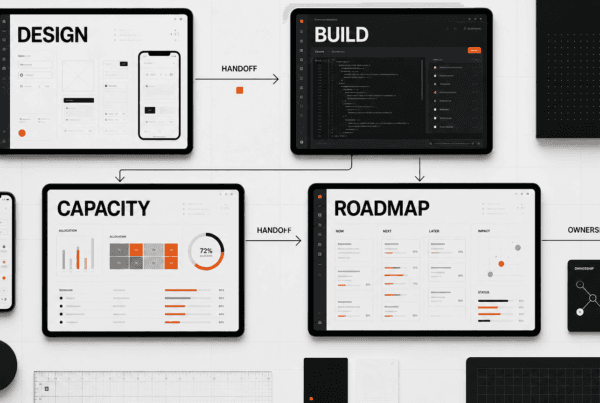
- Prepare implementation and support the build. Deliver specifications, component decisions, content rules, state behavior, and resolved questions. Review the built interface against the approved flow and test criteria.
Clinical and technical reviewers should join at planned decision points. Designers need access to their judgment, while product leaders need a process that prevents endless committee review. A decision log with the owner, evidence, choice, and open risk keeps the engagement moving.
EHR UX deliverables worth paying for
Buyers should judge deliverables by the decisions they preserve. A polished screen file has limited value if an engineer cannot identify permissions, field behavior, failure states, or the source behind a clinical requirement.
| Deliverable | Decision it should capture | Who uses it |
|---|---|---|
| Research plan and evidence inventory | Users, workflows, risks, inputs, and open questions | Product, clinical leads, design |
| Current and proposed workflow maps | Task sequence, handoffs, exceptions, and ownership | Clinical operations, product, engineering |
| Role and permission model | Who can view, enter, change, approve, or close an action | Security, product, engineering |
| Information architecture and data map | Content hierarchy, source systems, and status meaning | Product, data, design |
| Interactive prototype | Behavior across primary tasks, edge cases, and recovery | Users, stakeholders, engineering |
| Usability findings and decision log | Observed problems, evidence, revisions, and accepted risk | Product, clinical leads, design |
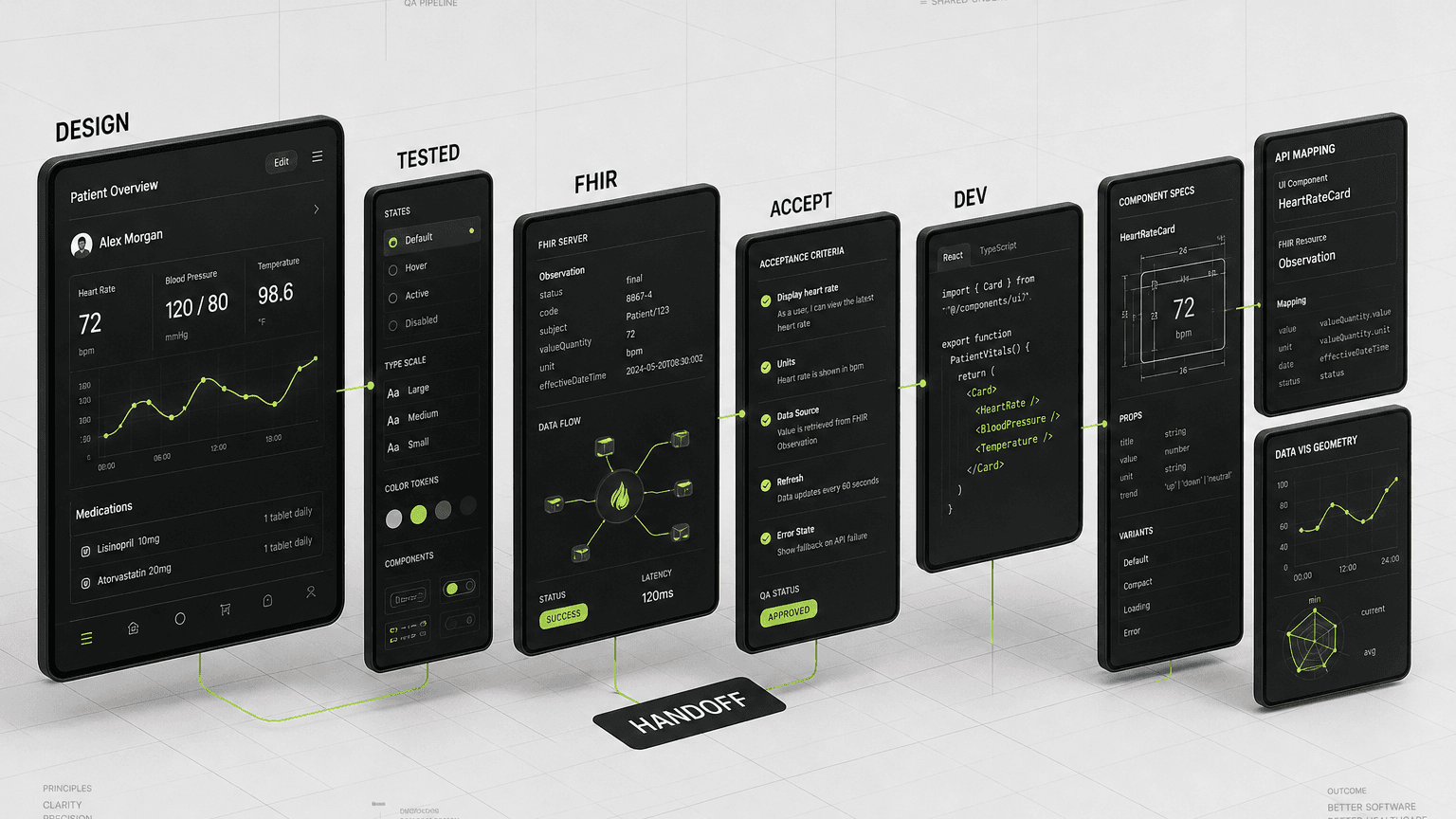
| Handoff package and acceptance criteria | Components, states, content rules, responsive behavior, and build checks | Engineering and QA |
The handoff package should fit the engineering team’s stack and release process. For regulated or device-connected products, interface documentation may need closer coordination with risk and quality teams. Read our overview of medical device UX design for the extra product context that can shape those reviews.
How EHR constraints change the design work
Roles and patient identity
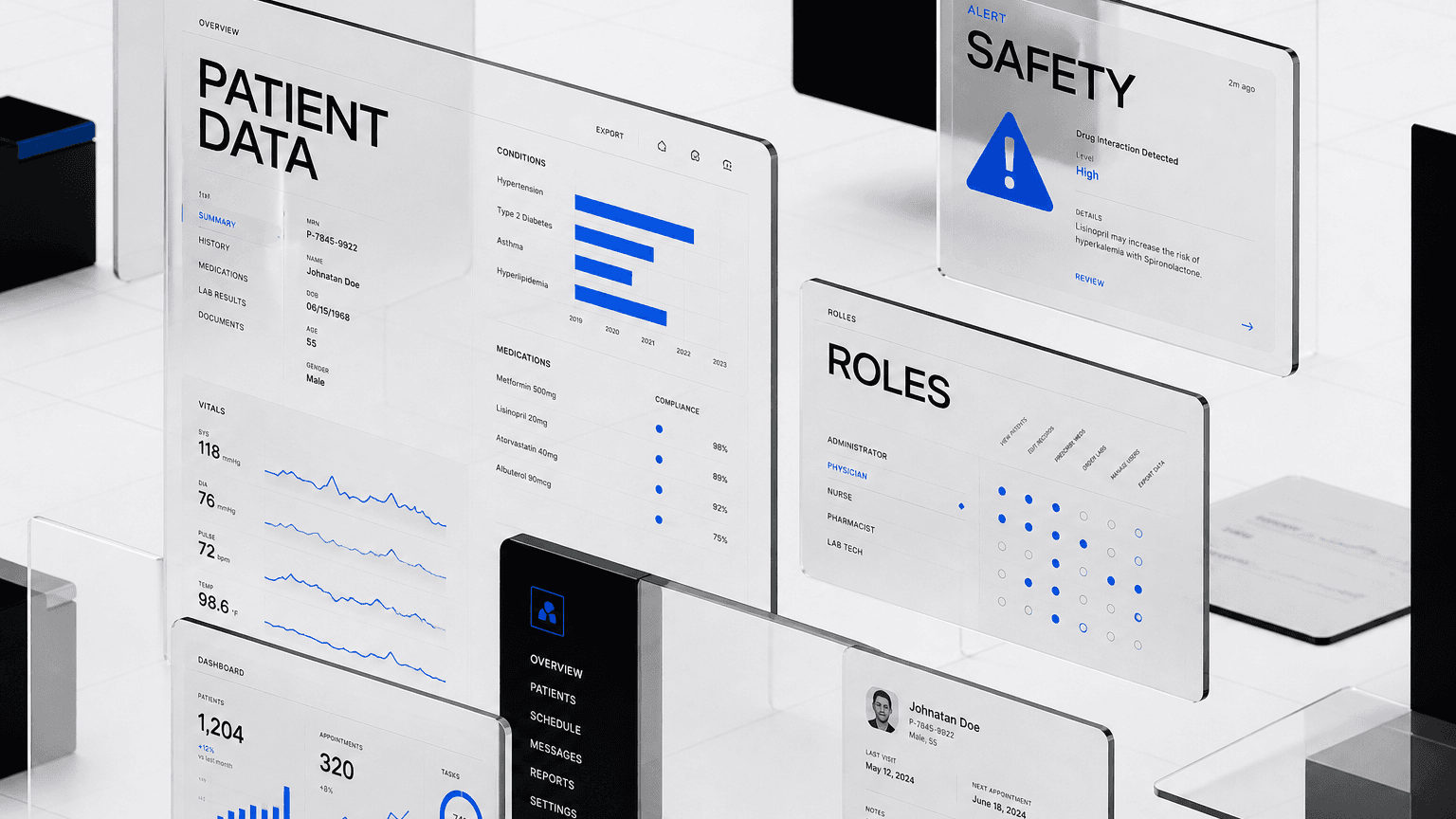
The same patient record can support many jobs. Designers must show the right actions for each role and make permission limits legible. Patient identity needs equal care across search, selection, confirmation, and record switching. The team should test similar names, duplicate records, incomplete demographics, and interrupted tasks instead of treating identity as a header detail.
Orders, alerts, and result follow-up
Order entry and decision support require clear status, source, timing, and next action. An alert needs a reason and a safe response path. Result follow-up needs ownership and closure when several roles touch the same result. Teams can use the SAFER Guides to structure safety review around these areas.
Interoperability and data meaning
HL7 describes FHIR as a standard for exchanging healthcare information in electronic form. Implementers can combine and tailor FHIR resources to use-case requirements. Designers still need to learn which data arrives, who owns it, how fresh it is, and what the system should show when a field is missing or conflicts with another source. A FHIR connection does not settle those interface decisions.
Accessibility, downtime, and error states
The team should set an accessibility target before component work begins. WCAG 2.2 provides technology-neutral, testable success criteria at A, AA, and AAA levels, and W3C recommends WCAG 2.2 for current accessibility work. Product owners should document the chosen level and test approach in the engagement.
Downtime and error states also need designed behavior. Show which information remains available, which actions pause, how users recover, and where they record work during an outage. Remote-care products add device, network, and channel changes. Read our guide to telehealth UX design for those conditions.
How to evaluate an EHR UX design partner
Ask each partner to explain how they would approach one workflow from research through release. Use the same scorecard for each proposal so reviewers can spot gaps in clinical access or implementation planning behind the visual polish.
| Criterion | Evidence to request | Warning sign |
|---|---|---|
| Clinical workflow research | Participant roles, methods, access plan, and decision path | Stakeholder interviews stand in for user research |
| Safety and risk framing | Risk questions, review owners, and escalation process | Safety appears as a final checklist |
| System and data fluency | Plan for integrations, data states, latency, and ownership | FHIR appears as a certification claim |
| Accessibility practice | Named standard, conformance target, tools, and user testing | Color contrast is the whole accessibility plan |
| Validation | Realistic tasks, representative users, findings, and retest plan | The team validates designs through stakeholder preference |
| Implementation handoff | State coverage, acceptance criteria, build reviews, and ownership | The engagement ends at file delivery |
Also ask who will do the work and who will attend research. A senior salesperson cannot substitute for the designer who makes product decisions each day. If the EHR sits inside an enterprise platform, evaluate the partner’s approach to permissions, dense data, and cross-team ownership. Those issues also appear in B2B UX design for enterprise users.
When DesignX is a fit
DesignX fits healthcare product teams that have a defined EHR workflow problem, access to subject-matter experts and intended users, and an engineering path for implementation. We can help frame the research boundary, map the workflow, design and test the interface, and prepare decisions for the build team.
Teams should also bring a clinical owner who can resolve care-process questions and a technical owner who can explain integrations and system behavior. Design cannot approve clinical policy or certify HIPAA or FHIR compliance. Teams sorting out privacy-related product and website responsibilities can read our guide to HIPAA-aware web design for startups without treating design as legal approval.
Scope your EHR UX design services engagement
A useful first conversation should identify the workflow, affected roles, available evidence, system constraints, and intended release path. DesignX can then help your team define an evidence-led EHR UX design services engagement with clear research, validation, deliverables, and handoff.
Start a project with DesignX and bring the workflow your team needs to fix first.
EHR UX design services FAQ
What do EHR UX design services include?
EHR UX design services can include a product audit, clinical workflow research, role and permission mapping, information architecture, interaction design, prototypes, usability testing, accessibility review, and engineering handoff. The final scope should name the workflows, users, system constraints, deliverables, and validation plan.
How should an EHR UX partner research clinical workflows?
The partner should observe and interview representative users while they complete bounded tasks with realistic information. Researchers should record handoffs, interruptions, workarounds, decision points, system changes, and failure states. Clinical and product owners then review the workflow map and resolve open questions before detailed interface work.
Do EHR UX services cover FHIR integrations?
They can cover the user experience around FHIR-based data exchange, including source labels, status, missing data, conflicts, latency, and error recovery. Engineering and interoperability specialists own the technical implementation. FHIR is an exchange standard, not a design certification or proof that an interface handles data well.
Which accessibility standard should an EHR interface target?
Use WCAG 2.2 as the current baseline and name the required A, AA, or AAA conformance level in the scope. The team should test relevant success criteria across components, workflows, keyboard use, assistive technology, errors, and changing system states. Product, accessibility, and compliance owners should approve the target.
Should we redesign the whole EHR or one workflow first?
Start with one bounded workflow when the team needs evidence, has limited user access, or must reduce implementation risk. Choose a task with clear users, measurable failure points, and an engineering path to release. Expand after the team proves the research, testing, and handoff model.
What deliverables should an EHR UX agency hand to engineering?
Engineering should receive approved workflow maps, role and permission rules, screen and component specifications, state behavior, content rules, error and recovery patterns, responsive requirements, accessibility decisions, and acceptance criteria. The agency should also provide a decision log and stay available for build reviews and issue resolution.