MVP design helps startups avoid failure by enabling them to ship products faster and validate features with real users. This strategic approach prevents spending months perfecting products nobody wants.
Introduction
Here’s a sobering reality: 42% of startups fail because they build products nobody wants. The culprit? Spending months (or years) perfecting features that never get validated with real users. This is where MVP design for startups becomes your competitive advantage, a strategic approach that gets your product in front of customers fast while maintaining the user experience quality that drives adoption.
The difference between successful and failed startups often comes down to speed of learning. Companies like Airbnb, Dropbox, and Buffer didn’t launch with polished, feature-complete products. They launched with focused MVPs that solved one core problem exceptionally well. The secret wasn’t cutting corners on design, it was making ruthlessly smart decisions about what to build first. In this guide, you’ll learn the proven MVP design process that helps startups ship faster without sacrificing the UX that turns early adopters into loyal advocates.
What MVP Design Actually Means (And What It Doesn’t)
MVP Isn’t “Minimum Viable Crap”
Let’s clear up the biggest misconception: minimum viable product design doesn’t mean launching a broken, ugly product and hoping users forgive you. Eric Ries, who popularized the Lean Startup methodology, defined an MVP as “that version of a new product which allows a team to collect the maximum amount of validated learning about customers with the least effort.”
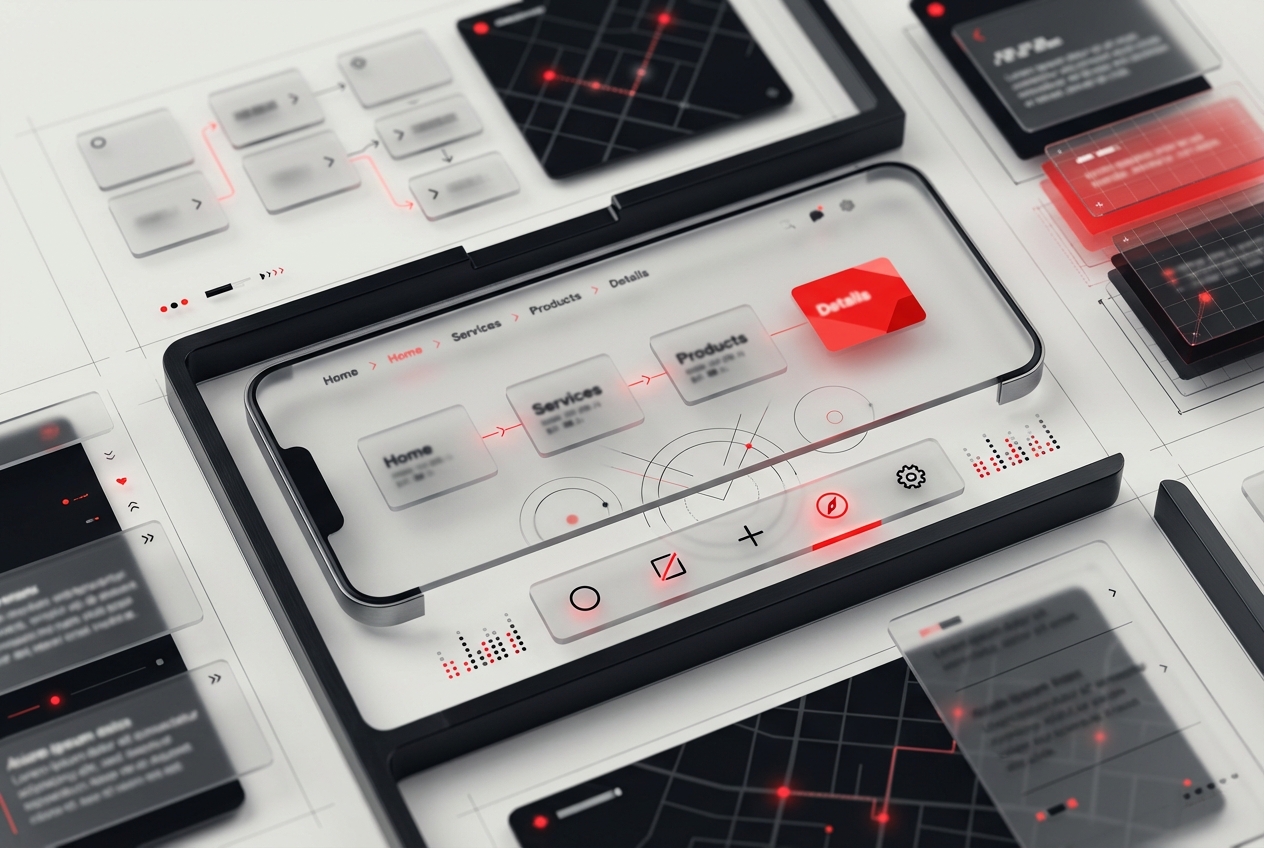
The emphasis is on validated learning, not minimal effort. Your MVP should be the simplest version of your product that still delivers a complete, satisfying experience for your core use case. Think of it as a cupcake, not a layer cake without frosting, small, but still delicious.
The Real Goal: Learning, Not Launching
Startup MVP UX serves one primary purpose: testing your riskiest assumptions as quickly as possible. You’re not building a product, you’re building an experiment. Every design decision should connect back to a hypothesis you need to validate.
Are you assuming users will understand your navigation without onboarding? Test it. Betting that people will pay for this feature? Put it behind a paywall in your MVP. The faster you learn what works, the less time you waste building features nobody asked for.
MVP Design vs. Full Product Design
Here’s the key distinction: full product design optimizes for scale, polish, and feature completeness. MVP UI design optimizes for speed, focus, and learning velocity. Your MVP might have a waiting list instead of automated onboarding. It might use Typeform instead of a custom form builder. It might support only one payment method instead of twelve.
These aren’t compromises, they’re strategic choices that let you validate product-market fit before investing in scalability. The goal is to be embarrassed by your first version, but only after real users have shown you what actually matters.
The MVP Design Process: From Insight to Launch
Research: Define Your Riskiest Assumptions
Before touching Figma, identify what you don’t know. The MVP design process starts with honest questions: Who is your core user? What’s their primary pain point? Why would they switch from their current solution? What’s the smallest thing you could build to test if your value proposition resonates?
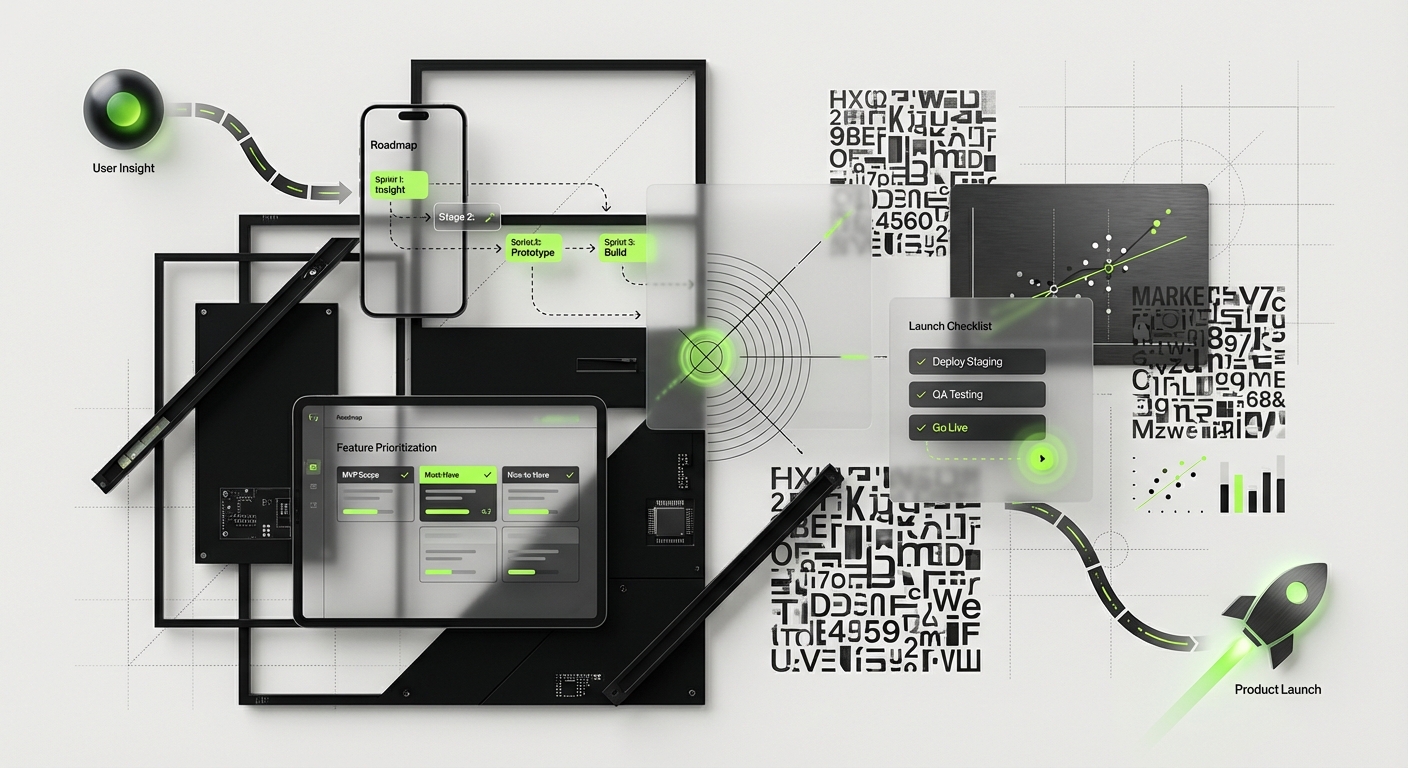
Skip the 50-person user research study. Instead, conduct 5-10 problem discovery interviews with potential users. Ask about their current workflow, frustrations, and the last time they tried to solve this problem. Listen for the language they use, those exact words become your copy.
Document your assumptions explicitly: “We believe [target user] will [take action] because [reason].” Rank them by risk and uncertainty. Your MVP should test the top 2-3 assumptions that, if wrong, would invalidate your entire business model.
Wireframe: Focus Ruthlessly
Now you’re ready to sketch. But here’s the discipline: your MVP wireframe should fit on 3-5 screens maximum. If you need more, you’re probably building too much.
Start with the user journey map for your one core use case. What’s the fastest path from landing on your product to experiencing value? Cut everything else. Navigation can be minimal. Settings can wait. That cool animation? Save it for version 2.
Use low-fidelity wireframes, literally pen and paper or basic Figma rectangles. High fidelity at this stage creates emotional attachment to ideas that might need to die. Stay scrappy and stay flexible.
Prototype: Make It Real Enough to Test
The prototype to MVP transition is where many teams get stuck. They either prototype too much (building pixel-perfect prototypes of features they’ll cut) or too little (testing static screenshots that can’t validate actual behavior).
Your MVP prototype should be interactive enough to simulate the core experience, but rough enough that users know it’s a work in progress. Use real content, not lorem ipsum, users react differently to “placeholder text” than to “Sync your receipts in under 60 seconds.”
Tools like Figma, Framer, or even Webflow let you create high-fidelity prototypes that feel real without writing code. Test these with 5-8 users. Watch them use it. Note where they hesitate, what they misunderstand, and what delights them.
Test: Learn Before You Build
This is where lean startup design philosophy shines. Every hour spent testing saves days of development building the wrong thing. Your goal isn’t to validate that users like your design, it’s to validate they’ll actually use your product and pay for it.
Run usability tests, but also test intent: “Would you sign up for this?” “What would you expect to pay?” “Would this replace [current solution]?” Push for specific answers. “Maybe” means no.
Consider a fake door test: create a landing page describing your product and drive traffic to see if people sign up for the waitlist. Buffer famously validated demand this way before writing a single line of their product code.
Build: Start With the Core Loop
Now you build, but only the essentials. In MVP UI design, every element should serve the core user journey. If it doesn’t directly help users experience your value proposition, cut it.
Build your MVP in this order: (1) core feature that delivers value, (2) minimum viable onboarding to get users to that feature, (3) basic account/data management, (4) feedback mechanism. Everything else, settings, profiles, integrations, customization, waits for version 1.1.
Work closely with developers during this phase. When they say “this will take 3 weeks,” ask: “What could we ship in 3 days that tests the same assumption?” Often there’s a scrappier path that validates learning without the polish.
What to Include vs. Cut From Your MVP
Must-Have: The Core Value Loop
Your MVP must include whatever creates your “aha moment”, the point where users understand why your product exists. For Airbnb, it was browsing real listings and booking a room. For Dropbox, it was seeing files sync across devices. For Buffer, it was scheduling a social post.
Map your core value loop: what action does a user take, what result do they see, and why does it matter? Everything that supports this loop stays. Everything that distracts from it goes.
You also need just enough onboarding design to get users to that aha moment. If your product requires setup, make it the minimum viable setup. Can you pre-populate data? Use smart defaults? Let them skip steps and come back later? Reduce friction relentlessly.
Should Include: Basic Quality Standards
“Minimum viable” doesn’t mean unprofessional. Your MVP should still respect basic UX design principles: clear hierarchy, readable typography, obvious CTAs, and error states that don’t make users feel stupid.
Users forgive limited features. They don’t forgive broken features. If a button doesn’t work, remove it. If a flow is confusing, simplify it. Your MVP should feel intentionally simple, not accidentally broken.
Include one clear way for users to give feedback, an email address, a Typeform, a Slack community. Early users who care enough to respond are gold. Make it easy for them to reach you.
Can Wait: Everything Else
Ruthlessly defer: multiple user roles, advanced permissions, extensive customization, integrations beyond your core workflow, mobile apps (if web works), dark mode, social features, analytics dashboards, export options, API access, and honestly, most settings pages.
These features matter eventually. But in your MVP, they’re distractions from learning. Dropbox launched without folders. Twitter launched without hashtags or retweets. Instagram launched without video. They added these features after validating the core behavior.
When stakeholders push back (“but users expect X”), ask: “What assumption does adding X help us validate?” If the answer is “none, it just makes it more complete,” it doesn’t belong in the MVP.
The “Concierge MVP” Approach
Sometimes the best MVP isn’t a product at all, it’s a service that simulates the product. This minimum viable product design strategy, popularized by Y Combinator, means doing things manually to validate demand before automating.
Food delivery startup DoorDash started with a simple website and the founders literally delivering food themselves. They validated that people wanted the service before building dispatch algorithms and driver apps. The UX was rough, but the learning was fast.
Ask yourself: could we deliver the core value manually for the first 10-50 users? Often the answer is yes, and it buys you priceless user insights before you commit to infrastructure.
Design Shortcuts That Work vs. Ones That Kill You
Smart Shortcuts: Component Libraries and Templates
Using pre-built UI components isn’t cutting corners, it’s being strategic. Libraries like Tailwind UI, Material Design, or Ant Design give you professional, accessible components out of the box. Your developers move faster, and you maintain consistency without building a design system.
Similarly, starting with a quality template for your landing page, dashboard, or marketing site accelerates launch. The companies that beat you to market won’t care that you used a template. Focus your custom design energy on the unique parts of your experience.
No-code and low-code tools are also valid MVP strategies. Webflow for marketing sites, Airtable for databases, Zapier for automation, these tools let non-technical teams ship MVPs in days instead of months. You can always rebuild with custom code after validation.
Smart Shortcuts: Progressive Disclosure
Instead of building every feature, use progressive disclosure in your startup MVP UX. Show users the simple version first, with hints that more capabilities exist. GitHub does this masterfully, their basic repo creation flow is simple, but power users discover advanced options as needed.
This approach lets you ship faster (build the simple flow first) while setting user expectations appropriately (advanced features coming soon). It’s also a natural validation tool: if nobody clicks “Advanced Options,” maybe you don’t need to build them yet.
Another smart shortcut: manual processes with automated UX. Stripe Atlas started with a slick online application, but much of the backend processing was manual. Users experienced a smooth interface while the team validated demand before building full automation.
Dangerous Shortcuts: Core UX Patterns
Never compromise on fundamental usability. Users have learned patterns from thousands of products, violating them creates cognitive friction that kills adoption. Don’t reinvent navigation, forms, or buttons just to be different.
Specifically, avoid these dangerous shortcuts: unclear CTAs that make users guess what happens next, missing error states that leave users confused when something breaks, invisible feedback that makes users wonder if their action worked, and inconsistent patterns that force users to relearn your interface on every screen.
Your MVP can have limited features, but the features you ship must work predictably. Users abandon products that feel broken faster than products that feel simple.
Dangerous Shortcuts: Ignoring Mobile
Even if you’re launching web-first, at minimum your MVP must be responsive. More than 60% of web traffic is mobile, if your product doesn’t work on phones, you’re cutting your potential user base in half.
You don’t need native mobile apps for your MVP. But you do need your web interface to be usable on a 375px screen. Test on real devices. Make sure CTAs are tappable, forms are fillable, and core workflows are completable. Responsive design isn’t optional anymore.
The exception: if your core use case is fundamentally desktop-first (like complex data analysis or code editing), acknowledge this clearly. Don’t frustrate mobile users by letting them start a workflow they can’t complete.
Scaling Design After MVP Validation
When to Invest in Polish
You’ve launched, gathered users, and validated product-market fit. Now what? This is when MVP UI design evolves into systematic product design. The signal to invest in polish is user retention, not just acquisition.
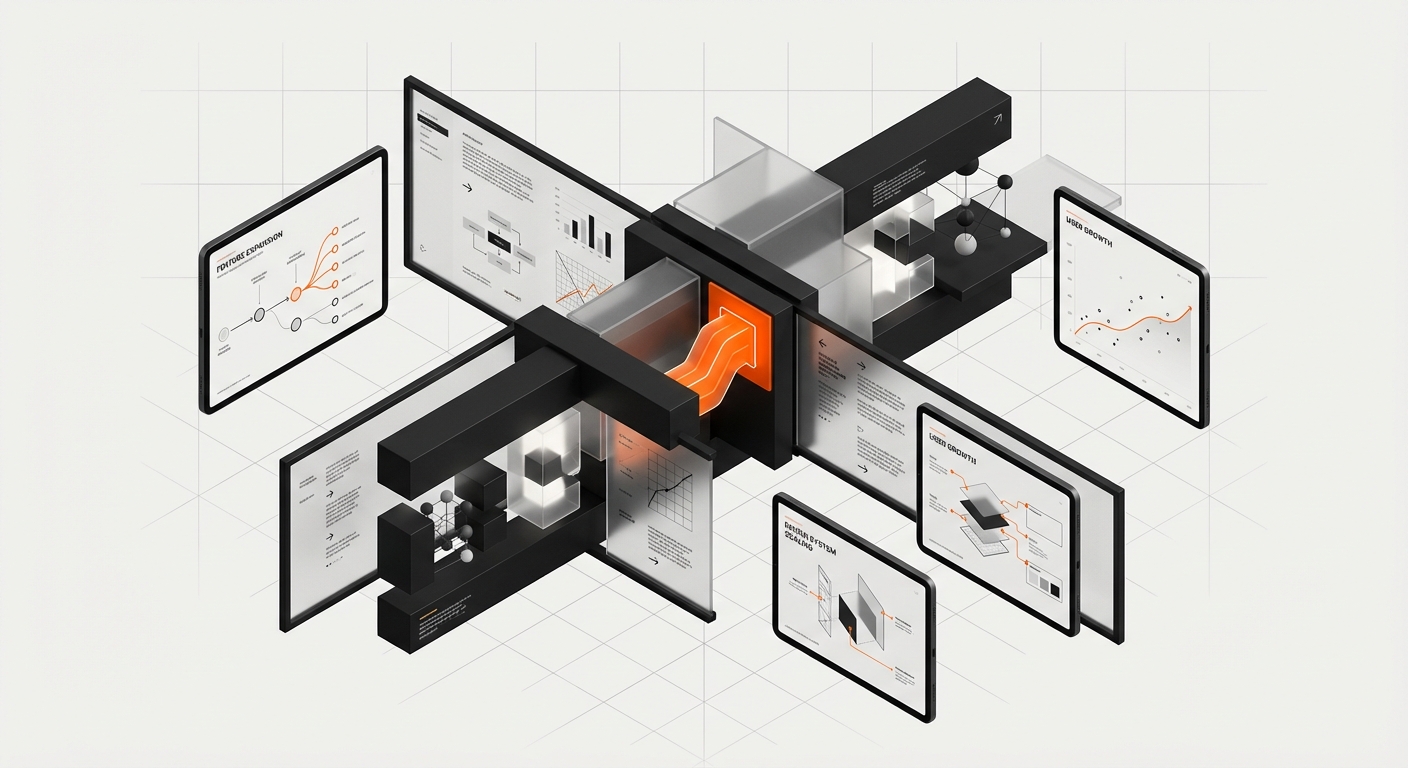
If users sign up but don’t return, more polish won’t help, you have a value problem, not a design problem. But if users keep coming back despite the rough edges, now’s the time to reduce friction and increase delight. Fix the paper cuts. Add the quality-of-life features. Polish the rough edges.
Start with your metrics: where do users drop off? Which workflows have the most support tickets? What do users request most often? This data tells you where design investment creates the most value.
Building Your Design System
As you scale from MVP to full product, you need consistency. A design system isn’t just style guides and component libraries, it’s shared language and principles that help your team make coherent decisions.
Start simple: document your colors, typography, spacing, and core components. Create reusable button, form, and card components. Establish patterns for common interactions. As your product grows, these foundations prevent the inconsistency that makes products feel janky.
Don’t build the design system before you have the product, though. Many startups waste months building complete design systems before validating their MVP. Build the MVP first, then extract patterns as you go.
Hiring Your First Designer
Most technical founders can handle MVP design themselves using templates and component libraries. But as you scale, bringing in design expertise accelerates growth. The question is when.
Hire a designer when: (1) you’ve validated product-market fit, (2) design debt is slowing down development, (3) you’re expanding beyond your core feature set, or (4) conversion/retention issues have clear design solutions. Before product-market fit, investing in engineering usually has higher ROI.
Look for a designer who understands startups, someone comfortable with ambiguity, rapid iteration, and wearing multiple hats. They should be able to do user research, UX design, UI design, and ideally basic front-end implementation. Specialists come later.
Maintaining Velocity as You Grow
The irony of post-MVP success is that design often gets slower. More stakeholders, more edge cases, more technical debt. Preserve your MVP velocity by maintaining discipline: clear decision-makers, rapid prototype-test-build cycles, and ruthless prioritization.
Keep using the MVP framework: what’s the smallest thing we can ship to test this assumption? As your product matures, the definition of “minimum” shifts from “core feature” to “improved workflow,” but the methodology stays the same. Ship, learn, iterate.
The companies that scale successfully never stop thinking like an MVP. They just get better at executing it with polish.
Common MVP Design Mistakes
Building for imaginary users. The biggest mistake is designing for personas you invented rather than people you’ve talked to. Your assumptions about user behavior are probably wrong. Talk to real potential users before designing anything.
Copying competitors instead of solving problems. Just because your competitor has a feature doesn’t mean your MVP needs it. They might be wrong, or targeting different users, or have already validated something you haven’t. Focus on your users’ problems, not your competitors’ features.
Polishing before validating. Spending weeks perfecting the UI of a feature nobody wants is wasted effort. Get rough versions in front of users fast. Polish after you’ve confirmed people care.
Designing for scale prematurely. Your MVP doesn’t need to support 10,000 users if you don’t have 100 yet. Don’t build complex user management, admin tools, or extensive settings until you’ve validated the core product. Scale problems are good problems, solve them when you have them.
Ignoring technical constraints. Design without developer input leads to MVPs that take months to build. Collaborate early. Ask “what’s technically simple?” and design within those constraints. The best MVP designers understand code limitations.
Skipping usability testing. Watching five users struggle with your prototype tells you more than any internal design review. Don’t ship your MVP without testing it with real people who match your target user profile.
Feature creep during development. You scoped a tight MVP, but during development someone says “it would be easy to add X.” Resist. Every addition delays launch and dilutes your learning. Ship the plan, then iterate.
Frequently Asked Questions
How long should MVP design take?
For most B2B or productivity apps, plan 2-4 weeks for the complete MVP design process: 3-5 days user research, 3-5 days wireframing, 5-7 days prototyping, and 2-3 days testing. Consumer apps with more complex UX might need 4-6 weeks. If your MVP design is taking months, you’re building too much. Remember, Airbnb’s first MVP took three weeks from idea to launch.
Should I hire a designer or use templates for my MVP?
If you’re a non-technical founder, hire a designer or technical co-founder who can execute. If you’re technical, start with quality templates and component libraries, you can get 80% of the way there yourself. Invest in custom design after validating product-market fit. Many successful startups (including Dropbox and Buffer) launched with founder-designed MVPs.
What’s the minimum number of features for an MVP?
One. Your MVP should solve one core problem well. If you can’t describe your MVP’s value in a single sentence, you’re probably building too much. Dropbox’s MVP was “sync files across computers”, that’s it. Instagram was “apply filters and share photos.” More features don’t make a better MVP; they make a slower launch.
How do I know if my MVP UX is good enough?
Test it with 5-8 people from your target audience. If they understand what it does, can complete your core workflow without guidance, and indicate they’d use it again, your UX is good enough. You’re not aiming for “delightful” yet, just clear, functional, and valuable. Delight comes in version 2.
Should my MVP include onboarding?
Yes, but keep it minimal. Users should understand your core value proposition within 30 seconds. For most MVPs, this means a 3-5 step flow that explains the benefit, collects minimum required information, and gets users to your “aha moment” fast. You can always add detailed onboarding later. Slack’s original onboarding was essentially “name your team” and “invite people”, that’s it.
What tools should I use for MVP design?
For wireframing: Figma, Sketch, or even pen and paper. For prototyping: Figma or Framer if you want high fidelity; InVision or Marvel if you want speed. For building: use your development stack’s standard component library (Material-UI, Bootstrap, Tailwind). Don’t spend time evaluating 15 tools, pick one and start designing.
How much should MVP design cost?
If hiring a freelance designer: expect $3,000-8,000 for a complete MVP design (research through final UI). Agency rates run $10,000-25,000. Using templates and designing yourself: $0-500 for quality templates and tools. The real cost is time, budget 1-2 months from research to launch if you’re designing yourself, 3-6 weeks if working with an experienced designer.
Conclusion
MVP design for startups isn’t about building less, it’s about learning faster. The startups that succeed aren’t the ones with the most polished first versions; they’re the ones that get in front of users quickly, listen deeply, and iterate relentlessly.
Your MVP should feel intentionally focused, not accidentally incomplete. It should test your riskiest assumptions with the least effort. And it should respect your users enough to solve their problem well, even if it solves only one problem.
Remember: Airbnb started with air mattresses and cereal boxes. Dropbox started with a video demo. Buffer started as a landing page. Your MVP doesn’t need to be perfect, it needs to be real, in users’ hands, teaching you what to build next.
Ready to ship your MVP faster without sacrificing the UX that drives adoption? Work with our team at DesignX to validate your concept, design your MVP, and build a foundation that scales with your success.
Related Reading
- AI Website Design: Build Faster Without Sacrificing Quality
- How Top Design Agencies Use AI to Deliver Better Work, Faster
- Design Sprints vs Traditional Agencies: A Cost-Benefit Analysis for Modern Teams
FAQ
What is MVP Design for Startups: Ship Faster Without Sacrificing UX?
MVP Design for Startups: Ship Faster Without Sacrificing UX is a practical framework used by teams to improve product outcomes, reduce execution risk, and create clearer decision-making.
How quickly can an MVP design be completed for an early-stage startup?
Most teams see early signal improvements within the first few weeks when changes are tied to measurable conversion and UX goals.
How do startups choose the right MVP design scope?
Start with the highest-impact user journeys, prioritize fixes by business impact, and validate performance with clear analytics and iteration cycles.