Trust is the paramount conversion metric in healthcare app design, distinguishing it from other digital products. Without trust, patients will not share sensitive information or adhere to critical advice.
Trust is the Conversion Metric in Healthcare App Design
Healthcare app design operates under a different set of rules than most other digital products. The stakes are profoundly higher. We are not just talking about user engagement or purchase conversions. We are talking about trust. Trust is the baseline requirement. Without it, patients will not share sensitive information, follow critical advice, or adopt a new digital health tool.
When someone opens a healthcare app, they often do so from a place of vulnerability, concern, or urgency. They might be managing a chronic condition, seeking help for a family member, or trying to understand complex medical information. In this context, design choices move beyond aesthetics. They become indicators of competence, empathy, and reliability. This is where an expert approach to healthcare app design makes a real difference. For DesignX, whether it was helping Klein Tools simplify access to product information across 40,000+ SKUs, or defining the launch identity for Oura Ring, the underlying principle is always about building confidence through clarity and thoughtful experience design.
Pattern 1: Progressive Disclosure of Sensitive Information
Show, Don’t Overwhelm
Asking for a user’s entire medical history on the first screen is a trust killer. It feels invasive, impersonal, and overwhelming. The human brain can only process so much new information at once, especially when it is sensitive.

Progressive disclosure in healthcare app design means revealing information, or asking for it, only when it is relevant and necessary for the current task. This approach respects the user’s cognitive load and their privacy. For example, when setting up an account, start with basic demographics: name, email, date of birth. Then, as the user navigates to a specific function, like scheduling an appointment or requesting a prescription, prompt for related, necessary details. Explain the “why” behind each request. “We need your current medications to check for drug interactions before prescribing new ones.”
This pattern makes the process feel manageable and transparent. It gives the user a sense of control over their data, which directly builds confidence. It also aligns with privacy regulations like HIPAA, which require careful handling of protected health information. We break down complex processes into smaller, digestible steps, making the experience less intimidating and more approachable.
Pattern 2: Biometric Authentication UX That Builds Confidence
More Than Just a Fingerprint Scan
Biometric authentication offers convenience and security, but its implementation in healthcare apps needs careful thought. It is not enough to just add Face ID or Touch ID. The user experience around biometrics must reassure the patient their sensitive health data is safe.
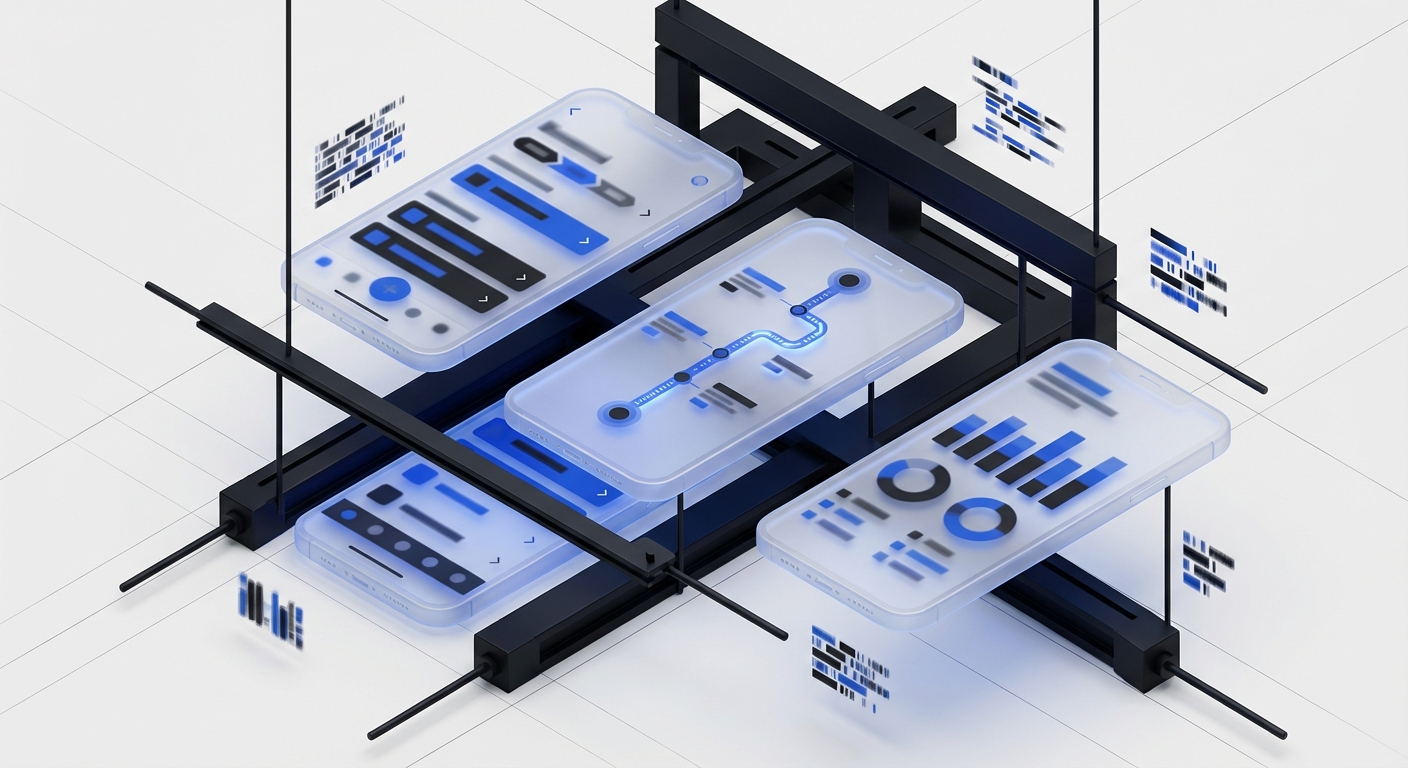
When a user attempts to log in with biometrics, provide immediate, clear feedback. A smooth animation and a simple message like “Face ID successful” or “Fingerprint recognized” confirms the action. If authentication fails, the message must be plain language, not technical. “Face not recognized. Try again or use your password.” More importantly, offer clear, accessible alternative authentication methods immediately. Do not force users into an endless loop of biometric attempts.
Explain the benefit. Onboarding can include a quick screen: “Biometrics: Faster, more secure access to your health records.” This reinforces the value proposition. The goal is to make the user feel their data is protected by the method, not just accessed through it. This careful design removes friction and anxiety around accessing highly personal information, making the app feel dependable.
Pattern 3: Plain Language in Error States and Alerts
No Jargon, Just Clarity
Nothing erodes trust faster than an ambiguous error message. “Error 0x80070005” means nothing to a patient. When an app fails, users are often already stressed. Technical jargon adds to their anxiety and makes them feel helpless. This is a common failure point in poorly designed systems.

Every error message, alert, or system notification in a healthcare app must use simple, direct, empathetic language. It should clearly state what happened, why it happened if possible, and what the user can do next. Consider these examples:
- Instead of “Session timed out,” try “Your session expired for security reasons. Please log in again to continue.”
- Instead of “Database connection failed,” try “We are having trouble connecting to your records right now. Please check your internet connection and try again. If the problem continues, contact support.”
- Instead of “Invalid input,” try “The date you entered is in the past. Please select a future date for your appointment.”
- Instead of “System error,” try “Something went wrong on our end. We’re working to fix it. Please try again in a few minutes or contact support if the issue persists.”
Always provide an actionable step. Direct the user to a solution, a retry, or a contact point. This transparency and guidance turn a potential frustration into a manageable hiccup, preserving the patient’s trust in the system and its creators. Nielsen Norman Group research consistently shows that clear error messages are a hallmark of good UX, and in healthcare, they are essential for safety.
Pattern 4: Transparent Data Usage and Privacy Controls
You Own Your Data. We’re Just Helping You Use It.
Patients are increasingly aware of their data privacy. Healthcare apps handle some of the most personal data imaginable. Design must reflect a deep respect for this. Transparency around data usage is non-negotiable for building trust.

Do not bury privacy policies in lengthy legal documents. Instead, provide clear, concise explanations within the app, at the point of data collection, or within a dedicated “Privacy Dashboard.” This dashboard should give users fine-grained control over what data is collected, how it is used, and with whom it is shared. Think of Apple’s privacy settings, which put users in control. For example:
- A toggle to share blood pressure readings with a primary care physician.
- An option to anonymize data for research purposes, with a clear explanation of the benefits.
- A log of who has accessed specific health records, including timestamps.
- Clear explanations of why certain data is needed for particular features.
The language around data consent should be direct and unambiguous. “By enabling this feature, your glucose data will be sent securely to Dr. Smith’s office to help them adjust your medication.” This clarifies the value exchange. DesignX has experience in managing and presenting complex user data, from personal health metrics on Bodybuilding.com to user preferences within HP systems. We understand that empowering users with control over their data is paramount to building lasting trust.
Pattern 5: Accessible Design Is Trustworthy Design
Inclusive From the Start
Healthcare apps must be designed for everyone, including those with disabilities or temporary impairments. A patient managing diabetes might also have low vision. An elderly user scheduling an appointment might have limited motor skills. Designing for accessibility is not just a regulatory requirement; it is a fundamental act of empathy and a key trust builder.
Adherence to WCAG (Web Content Accessibility Guidelines) is a minimum standard. This means:
- High color contrast ratios for text and interactive elements.
- Large, easily tappable targets for buttons and links.
- Clear
Frequently Asked Questions
What should teams know about trust is the conversion metric in healthcare app design?
Healthcare app design operates under a different set of rules than most other digital products. The stakes are profoundly higher. We are not just talking about user engagement or purchase conversions. We are talking about trust.
What should teams know about pattern 1: progressive disclosure of sensitive information?
Show, Don’t Overwhelm Asking for a user’s entire medical history on the first screen is a trust killer. It feels invasive, impersonal, and overwhelming. The human brain can only process so much new information at once, especially when it is sensitive. Progressive disclosure in healthcare app design means revealing information, or asking for it, only when it is relevant and necessary for the current task.
What should teams know about pattern 2: biometric authentication UX that builds confidence?
More Than Just a Fingerprint Scan Biometric authentication offers convenience and security, but its implementation in healthcare apps needs careful thought. It is not enough to just add Face ID or Touch ID. The user experience around biometrics must reassure the patient their sensitive health data is safe. When a user attempts to log in with biometrics, provide immediate, clear feedback.
What should teams know about pattern 3: plain language in error states and alerts?
No Jargon, Just Clarity Nothing erodes trust faster than an ambiguous error message. “Error 0x80070005” means nothing to a patient. When an app fails, users are often already stressed. Technical jargon adds to their anxiety and makes them feel helpless.
What should teams know about pattern 5: accessible design is trustworthy design?
Inclusive From the Start Healthcare apps must be designed for everyone, including those with disabilities or temporary impairments. A patient managing diabetes might also have low vision. An elderly user scheduling an appointment might have limited motor skills. Designing for accessibility is not just a regulatory requirement; it is a fundamental act of empathy and a key trust builder.