
You redesign a website without hurting SEO by treating the migration like a product release, not a creative handoff. Benchmark the current site, crawl every important URL, protect ranking content, map redirects before launch, keep staging out of Google, preserve metadata where it matters, test the new build, then monitor Search Console after launch.
The danger is casual redesign. New pages, new URLs, new CMS, new navigation, new copy, new JavaScript, new image handling, and new internal links all ship at once. Then the team wonders why organic traffic dips three weeks later.
- Benchmark organic traffic and rankings before design work changes the site.
- Crawl the current site and map every important URL.
- Keep strong URLs when possible and redirect changed URLs one-to-one.
- Protect ranking content while improving the page.
- Launch with analytics, canonicals, sitemaps, metadata, and internal links tested.
Google’s site move documentation and redirect guidance give the technical foundation. The agency job is turning that into a launch process your team can follow.
How to redesign a website without hurting SEO
Start with the baseline. Before redesign work begins, pull your top organic landing pages from Google Search Console. Export queries, clicks, impressions, average position, and click-through rate. Pull analytics data for organic sessions, conversions, assisted conversions, and revenue if ecommerce is involved.
Identify the pages that matter most: pages that rank, convert, attract backlinks, support sales conversations, or explain high-value services. Those pages are assets. Treat them like assets.
Crawl and map every important URL
Use Screaming Frog, Sitebulb, Ahrefs, Semrush, or another crawler. The tool matters less than the discipline. You need a list of URLs, titles, meta descriptions, H1s, status codes, canonicals, indexability, internal links, image alt text, and structured data.
Then build a URL map. Keep URLs when they are clean, indexed, and ranking. If a URL must change, create a one-to-one redirect to the closest matching new page. Do not point every old page to the homepage. That makes life easier for the team and worse for search.
Protect content that already ranks
A redesign can make SEO better. Cleaner information architecture, stronger headings, faster pages, better mobile UX, and sharper internal links can all help. But the team has to preserve search intent on pages that already work.
If a page ranks because it explains Shopify redesign cost, do not replace it with a vague brand story. Improve the content, make the page sharper, and keep the query job intact. The conversion-focused redesign should help the content perform, not erase the reason it ranked.
Keep staging blocked and production open
Staging should stay out of Google. Use noindex and access control where appropriate. Before launch, confirm production does not inherit staging robots rules, staging canonicals, blocked scripts, or internal staging links. These mistakes are boring and expensive.
Test metadata, canonicals, links, and sitemaps
Before launch, crawl staging. Check title tags, meta descriptions, canonical tags, XML sitemaps, schema, redirects, image alt text, mobile rendering, 404s, internal links, analytics, and conversion tracking. Then crawl production after launch and compare.
This is the same discipline behind a strong website redesign ROI project. The creative work gets attention, but migration QA protects the traffic that feeds pipeline.
Launch, submit, monitor, and fix fast
After launch, submit the sitemap in Search Console, inspect priority URLs, watch coverage reports, and monitor traffic on the highest-value pages. A short adjustment period can happen while Google recrawls. A slow bleed usually means the migration missed something.
DesignX likes bold redesigns. We do not like reckless launches. The creative work can be ambitious. The SEO migration should be disciplined, documented, and dull in the best way.
If you are planning a redesign with organic traffic at risk, start with DesignX engagement options so the migration plan is part of the project from day one.
The redesign decisions that create SEO risk
Most SEO damage comes from normal redesign decisions that nobody tracks. A cleaner navigation removes internal links. A new CMS changes URL structure. A prettier template removes copy that ranked. A staging setting blocks production. A new JavaScript build hides content from crawlers. None of these mistakes require bad intent. They require missing ownership.
Assign one person to own the migration checklist. That person does not need to be the designer or the developer, but they need authority to stop launch if redirects, canonicals, sitemap, analytics, or priority pages are not ready.
How DesignX keeps redesigns controlled
We separate creative ambition from migration discipline. The new site can look and feel much sharper, but the old site still teaches us which pages matter, which queries bring buyers, and which content Google already trusts. We carry that evidence into the new system instead of treating the old site like a junk drawer. That same logic shows up in our website redesign ROI guide and our article on website design mistakes that kill conversion.
The best redesigns feel fresh to the market and boring to search engines. Google should see a clearer version of the same business, with better content, cleaner structure, stronger internal links, and fewer technical mistakes.
The pages to protect first
Protect money pages first. That means service pages, pricing pages, product pages, category pages, comparison pages, and blog posts that support sales. A redesign team can argue about visual taste later. First, identify which URLs bring qualified buyers or help buyers say yes.
Next, protect linked pages. If other sites link to an old guide, case study, or resource, that URL carries trust. If you remove it or redirect it poorly, you waste equity the business already earned. A good redirect map respects both search intent and link value.
The launch window matters
Do not launch a risky migration at the end of the week unless the team can monitor and fix issues. Launch when design, development, SEO, analytics, and decision-makers can be available. The first crawl after launch is when small mistakes become visible.
A calm launch is not luck. It comes from rehearsing the migration, checking the boring details, and knowing who fixes what when Search Console, analytics, or the crawler finds an issue.
What to hand your redesign partner before kickoff
Give the team your Search Console exports, analytics reports, top landing pages, top converting pages, backlink targets, sitemap, current crawl, redirects already in place, and any known SEO issues. If you have a paid search program, share the landing pages and highest-value campaigns too. Paid and organic pages often teach the redesign team different things.
Also share internal knowledge. Sales may know which old posts help deals close. Support may know which pages reduce confusion. Leadership may know which services are changing. SEO data shows what already works, but the business context shows what the new site has to become.
A redesign partner should not treat SEO as a late-stage checklist. The safest migrations use SEO evidence during strategy, information architecture, content planning, design, development, QA, and launch monitoring.
The simple rule
Change as much as the business needs, but explain every important change to users and search engines. Keep valuable URLs when you can. Redirect them with intent when you cannot. Preserve the content job that earned rankings. Then use the redesign to make that job easier to understand, easier to crawl, and easier to act on.
That is the balance. The new site should feel like a leap forward to buyers and a controlled update to Google. When both are true, the redesign can improve conversion without sacrificing the search equity that helped the business get found in the first place.
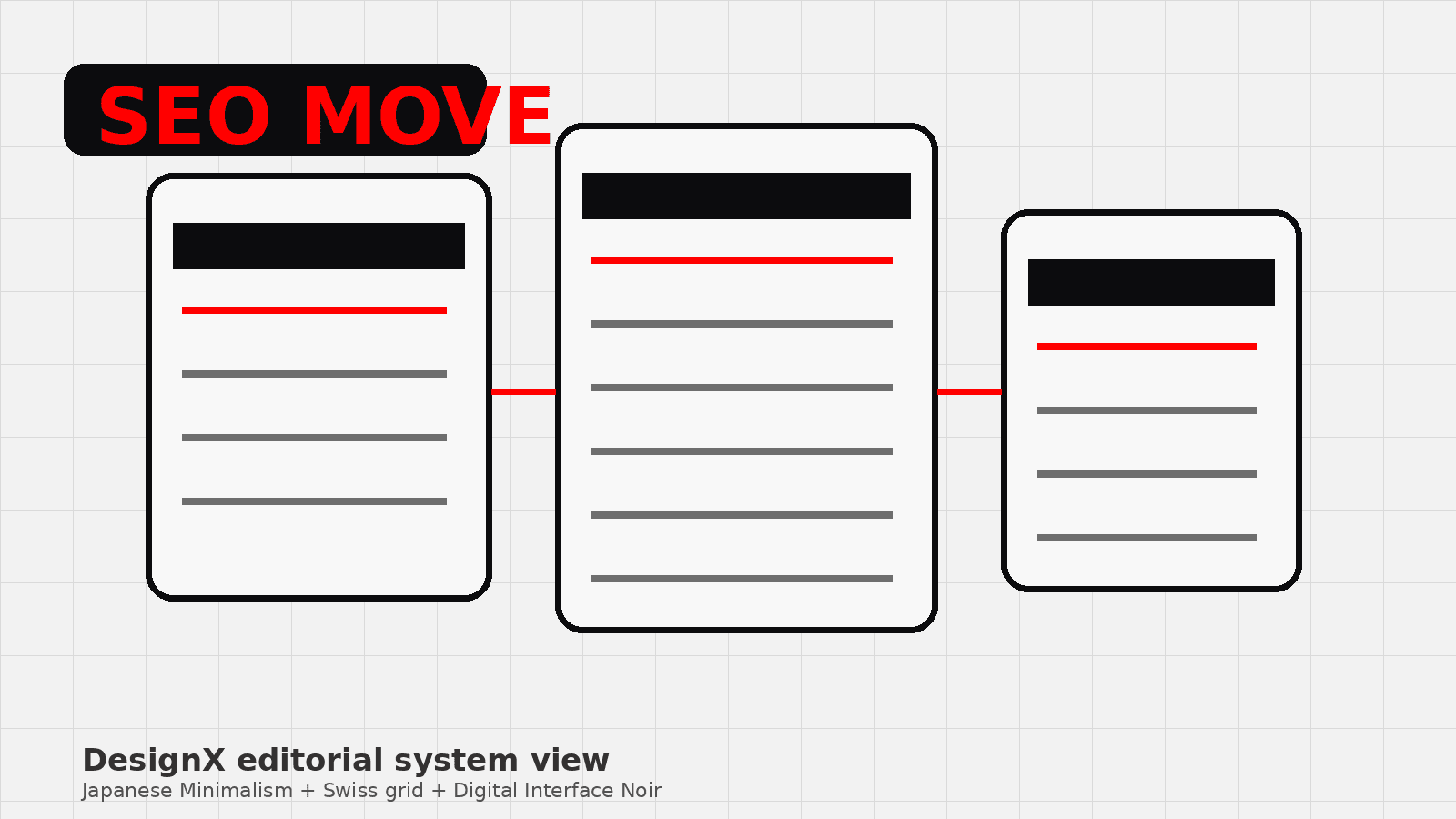
If the team cannot explain the migration plan in a simple spreadsheet, the plan is not ready. Every important old URL needs an owner, a decision, a destination, and a QA status before launch. That spreadsheet is less exciting than the new homepage, but it is what keeps the launch from turning into a recovery project.
FAQ
Can a website redesign hurt SEO?
Yes. SEO drops happen when teams change URLs, remove ranking content, break internal links, mishandle redirects, block crawling, or launch without checking metadata, canonicals, and sitemaps.
Should I keep the same URLs during a redesign?
Keep the same URLs whenever they are clean, indexed, and ranking. If a URL must change, map the old URL to the closest matching new page with a proper redirect.
How do redirects protect SEO during a redesign?
Redirects tell users and search engines where old pages moved. One-to-one redirects preserve intent better than sending everything to the homepage or a generic category page.
What should I check before launch?
Check redirects, canonicals, robots rules, XML sitemaps, title tags, meta descriptions, schema, internal links, 404s, mobile rendering, analytics, and conversion tracking before launch.
How long does SEO take to settle after a redesign?
Google may need time to recrawl and process changes. A short adjustment period can be normal. A continued decline usually means the migration missed a technical, content, or internal-link issue.
Related DesignX reading: website redesign timeline and Shopify website redesign investment gives teams a practical next step from this topic.