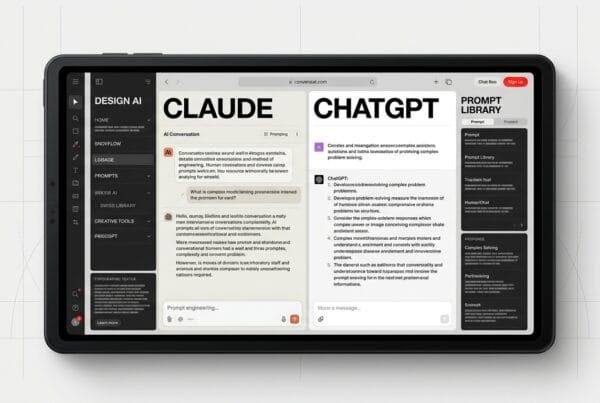
AI design tools have fundamentally transformed the industry, becoming essential infrastructure for modern design teams. These tools enable tasks that once took weeks to be completed in days or even hours.
Introduction
The design industry has fundamentally transformed. What took our team weeks to prototype, test, and refine now happens in days, sometimes hours. AI design tools 2026 aren’t just productivity boosters; they’ve become essential infrastructure for competitive design teams. At DesignX, we’ve integrated AI throughout our entire workflow, from initial user research to final handoff, and the results speak for themselves: 40% faster project completion, deeper user insights, and design systems that actually scale.
But here’s what most agencies won’t tell you: AI tools aren’t magic. We’ve seen teams waste months chasing shiny features while missing the fundamentals. The real competitive advantage comes from building a coherent AI design stack that enhances human creativity rather than replacing it. This isn’t about automation, it’s about augmentation. After two years of testing, breaking, and rebuilding our workflows, we’ve learned exactly which AI tools for designers deliver real value and which ones are just expensive distractions.
This guide shares our complete 2026 stack, the tools we use daily, and the hard-earned lessons that separate teams who thrive with AI from those who drown in it.
The AI Design Tool Landscape in 2026
The Maturation of Design AI
The experimental phase is over. The best AI design software of 2026 has moved beyond generating pretty pictures to solving real workflow problems. Figma’s AI features are now production-ready, not beta experiments. Midjourney generates pixel-perfect UI components, not just inspiration boards. Adobe Firefly understands brand guidelines and design systems.
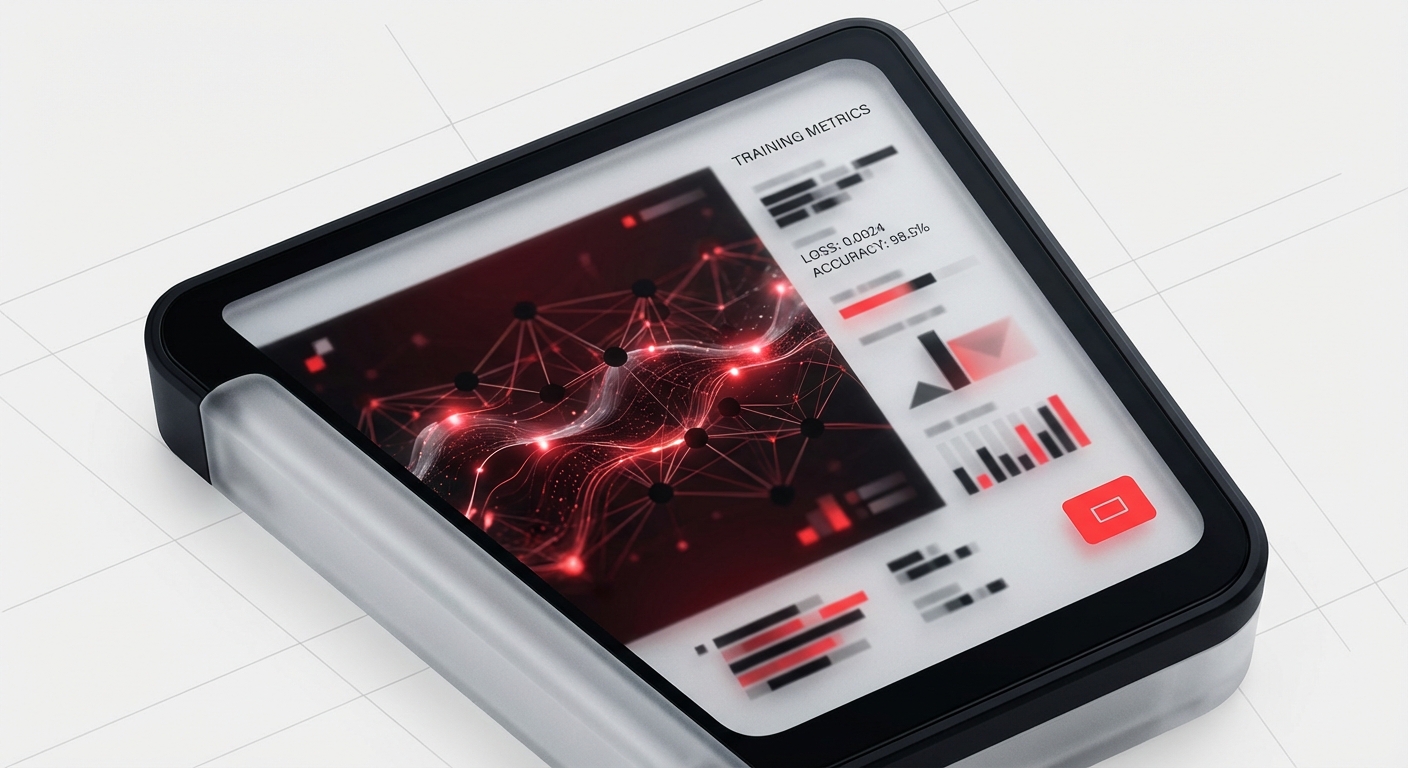
What changed? Three things: context awareness, design system integration, and collaborative intelligence. Modern AI tools don’t work in isolation, they understand your brand, learn your team’s preferences, and integrate smooth with your existing workflow. The tools that survived the 2024-2025 shakeout earned their place by becoming indispensable collaborators, not flashy one-trick ponies.
Native Integration vs. Point Solutions
We’ve watched the market consolidate around two approaches: native AI features built into established platforms (Figma AI, Adobe Firefly) and specialized point solutions (Galileo AI, Uizard). Both have their place. Native tools integrate effortlessly but move slower. Point solutions innovate faster but create workflow friction.
Our approach? A hybrid stack. We use native AI for core workflows where smooth integration matters, and deploy specialized tools for high-impact use cases where their unique capabilities justify the context-switching cost.
The Human-AI Design Partnership
The teams winning with AI in 2026 understand one critical truth: AI tools for designers amplify taste, they don’t replace it. Our best designers spend less time pushing pixels and more time on strategic decisions, brand positioning, user psychology, design system architecture. AI handles the mechanical execution; humans provide the creative direction and quality bar.
This shift requires a mindset change. Junior designers who fear AI are getting left behind. Senior designers who embrace it as a force multiplier are more valuable than ever. The new skill isn’t learning every AI tool, it’s developing the judgment to know when to use which tool and when to ignore AI entirely.
AI for Research and Discovery
User Research and Insight Generation
AI UX design tools have revolutionized how we understand users. We use Claude and ChatGPT to analyze hundreds of user interviews in minutes, surfacing patterns that would take analysts weeks to find. Tools like Dovetail now auto-tag themes, sentiment, and pain points across qualitative data sets.
Here’s our workflow: conduct interviews normally, transcribe with AI, then use large language models to generate insight summaries, pull representative quotes, and identify unspoken user needs. We’ve cut research synthesis time by 60% while actually improving insight quality, because AI doesn’t get tired or confirmation-biased after the 50th interview.
But we’ve learned to be careful. AI can hallucinate patterns that aren’t there or over-index on articulate users. We always validate AI-generated insights against raw data and use human researchers to gut-check findings before they inform design decisions.
Competitive Analysis and Market Intelligence
Staying ahead of design trends used to mean hours of manual research. Now we use AI to monitor competitor updates, analyze design pattern evolution, and track emerging UX conventions. Tools like Attention Insight use AI to predict user attention patterns on competitor interfaces.
We’ve built custom ChatGPT workflows that scrape competitor sites weekly, analyzing changes in their design systems, navigation patterns, and feature sets. This intelligence feeds directly into our strategic recommendations for clients. When we pitch a redesign, we’re not guessing, we’re showing data-backed competitive positioning.
Persona Development and Journey Mapping
AI has made persona development actually useful instead of theoretical. We feed demographic data, interview transcripts, and behavioral analytics into AI tools that generate nuanced, realistic personas with specific goals, pain points, and decision-making patterns.
For journey mapping, AI design tools can simulate user paths through interfaces, predicting friction points before we build anything. Galileo AI can generate entire user flows from simple text descriptions, giving us multiple journey options to evaluate in the first design meeting instead of after weeks of wireframing.
The key is treating AI-generated personas and journeys as hypotheses, not truth. They’re excellent starting points that accelerate early-stage thinking, but they need validation against real user behavior before informing major design decisions.
AI for Visual Design
Figma AI: The New Design Command Line
Figma AI has become our most-used design tool in 2026. It’s not about auto-generating layouts, it’s about removing friction from execution. Need five variations of a hero section? Describe what changes, and Figma AI generates options in seconds. Want to explore different visual directions? AI can apply style variations while maintaining your design system constraints.
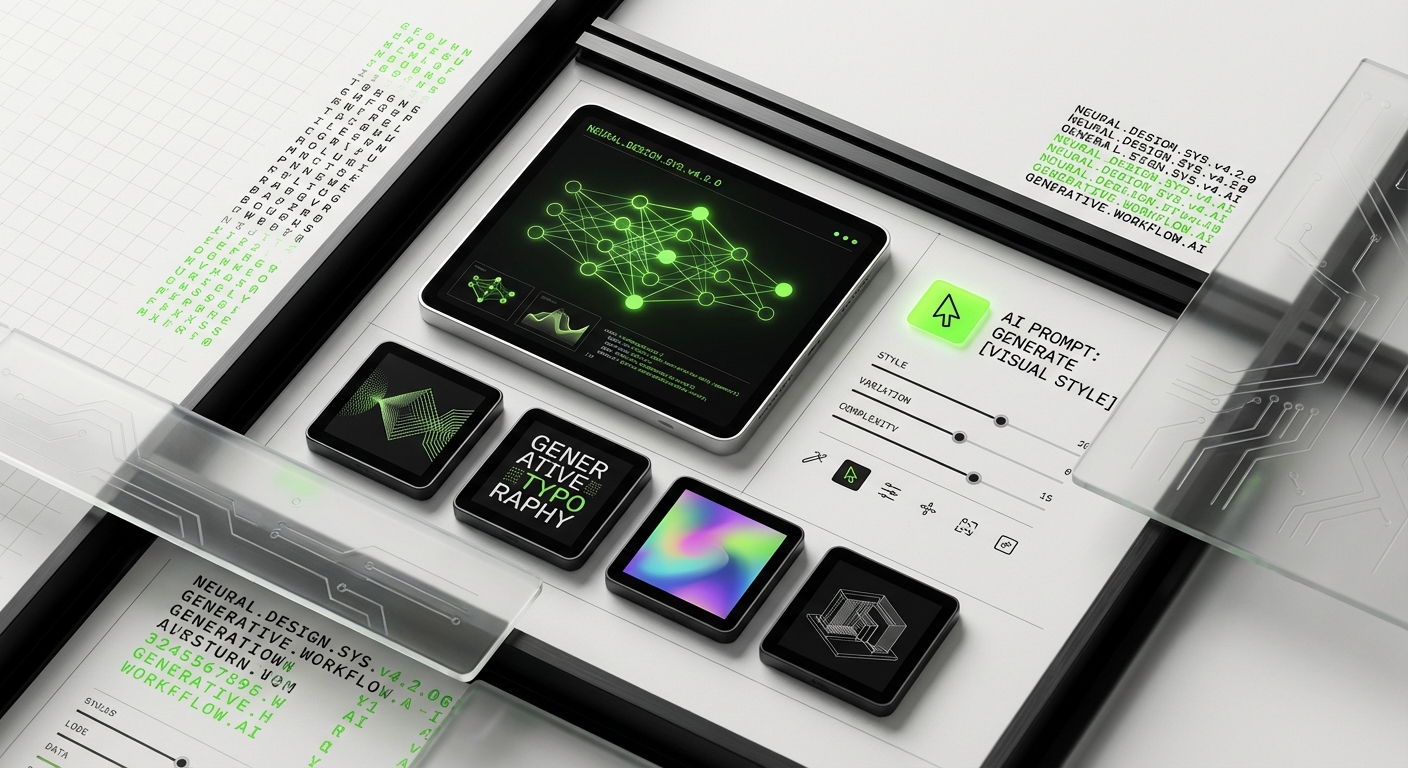
The Auto Layout Intelligence feature understands design intent. We sketch rough layouts, and Figma AI converts them to production-ready components with proper constraints, responsive behavior, and naming conventions that match our system. What used to take 30 minutes of mechanical work now takes 30 seconds.
Where Figma AI shines is design system maintenance. It can audit thousands of screens for inconsistencies, suggest component consolidation, and even auto-fix deprecated patterns. Our design systems stay clean because AI does the boring policing work that humans always procrastinated on.
Generative AI for Visual Assets
Midjourney, DALL-E, and Adobe Firefly have different strengths in our workflow. Midjourney excels at brand exploration and mood boards, its V7 model understands design movements and can generate cohesive visual languages. DALL-E integrates smooth with our Adobe workflow for quick asset generation. Adobe Firefly is our go-to for production assets because it’s trained only on licensed content, eliminating copyright concerns.
Here’s what actually works: using generative AI for ideation and placeholder content, then refining with human designers. AI gives us 20 visual directions in the time it used to take to sketch 3. We show clients diverse options early, get feedback faster, and iterate toward the right direction before investing in high-fidelity work.
The mistake teams make? Shipping AI-generated work without refinement. AI art is obvious, and users notice. We use AI to accelerate the creative process, not replace the craft. Every AI-generated asset gets human review and refinement before it ships.
AI-Assisted Illustration and Icon Design
For AI for graphic design, we’ve found a sweet spot with tools like Recraft and Adobe Firefly. They’re excellent for generating icon sets, illustrations, and graphic elements that match specific brand guidelines. We can describe the style, mood, and constraints, and get production-ready assets.
Our icon workflow: describe the icon set requirements (style, weight, metaphor approach), generate 50+ options with AI, select the best 10-15, then have our illustrators refine proportions, align to grid, and ensure visual consistency. This hybrid approach combines AI’s creative range with human quality control.
For custom illustrations, we use AI as a sketch assistant. Designers rough out composition ideas with AI, then paint over and refine in Illustrator or Procreate. It’s faster than starting from a blank canvas and leads to more creative exploration than time constraints usually allow.
AI for Prototyping and Testing
Rapid Prototyping with AI Code Generation
Galileo AI and Uizard have transformed our prototyping workflow. Describe an interface in natural language, and these tools generate functional prototypes with interactions, animations, and realistic content. We can explore 5-10 different UX approaches in the first client meeting instead of showing static wireframes.
The real power is in iteration speed. Client feedback loops that used to take days now happen in real-time. “What if the navigation was vertical instead of horizontal?” Used to be a multi-hour redesign. Now it’s a 30-second AI regeneration. We get to better solutions faster because we can test more hypotheses.
But code quality matters. AI-generated prototypes are perfect for testing and validation, not production. We use them to prove concepts and gather feedback, then our developers build the real thing properly. Teams that try to ship AI-generated code learn painful lessons about technical debt.
AI-Powered Usability Testing
AI UX design tools can now analyze usability test sessions automatically. Tools like Maze and Hotjar AI track user behavior, identify confusion patterns, and even predict usability issues before human testing begins.
We use AI heatmap prediction tools to optimize layouts before user testing. They’re not perfect, but they catch obvious issues, like CTAs below the fold or critical information in attention-blind spots. This means we go into user testing with stronger hypotheses and fewer embarrassing “why didn’t we see that?” moments.
For test analysis, AI summarizes hundreds of user sessions, clips relevant moments, and generates insight reports. Our UX researchers spend less time tagging videos and more time understanding user psychology. The quality of our test insights has improved because researchers have time to think deeply instead of drowning in mechanical analysis.
Accessibility and Inclusive Design AI
Accessibility used to be a post-design checklist. Now AI tools audit accessibility in real-time as we design. Figma plugins analyze color contrast, predict screen reader behavior, and suggest inclusive design improvements before developers see a single screen.
We use AI accessibility scanners that go beyond WCAG compliance to test real-world usability for people with disabilities. These tools simulate various vision impairments, motor limitations, and cognitive loads, showing us how different users actually experience our designs.
The result? Our designs are more inclusive by default, not as an afterthought. And we avoid costly redesigns when accessibility issues surface late in development.
AI for Design Systems and Handoff
Automated Design System Management
Design systems are only valuable if they stay consistent and current. AI has made this possible at scale. Tools like Supernova use AI to maintain design-to-code synchronization, auto-generate documentation, and flag inconsistencies across products.
Our design system now self-audits. AI scans every screen in our Figma files, identifies components that should be systemized, and suggests consolidations. It catches when designers accidentally create one-off variations instead of using system components, the consistency problems that used to plague every design team.
For documentation, AI generates and maintains component usage guidelines, pulling examples from actual product implementations. Our design system docs stay current because AI does the tedious update work automatically.
Developer Handoff and Asset Generation
The designer-developer handoff has always been a friction point. AI tools have dramatically smoothed this process. AI design tools can now generate production-ready code, export assets in all required formats and resolutions, and even create implementation notes explaining design decisions.
We use Anima to convert Figma designs to React, Vue, or HTML with impressive accuracy. Developers get a working starting point instead of blank files. They spend their time on complex interactions and business logic instead of translating static designs to code.
For design specs, AI generates detailed annotation documents automatically, dimensions, spacing, typography scales, color values, interaction states. Developers get everything they need without designers manually red-lining every screen.
Version Control and Design QA
AI tools now handle design QA that humans struggled to do consistently. They compare implemented designs against source files, flag visual regressions, and even test responsive behavior across breakpoints automatically.
We’ve integrated AI-powered visual testing into our CI/CD pipeline. Every code commit is automatically compared against design sources. If implementation drifts from design, we know immediately, not six months later when someone notices the brand colors are slightly off.
This has eliminated the “design erosion” problem where products slowly diverge from design intent through hundreds of small implementation compromises.
Building Your AI Design Stack
Assessing Your Team’s Needs
Not every team needs every AI tool. Start by identifying your biggest workflow bottlenecks. Are designers spending too much time on mechanical tasks? Is research synthesis the problem? Are inconsistent design systems causing friction?
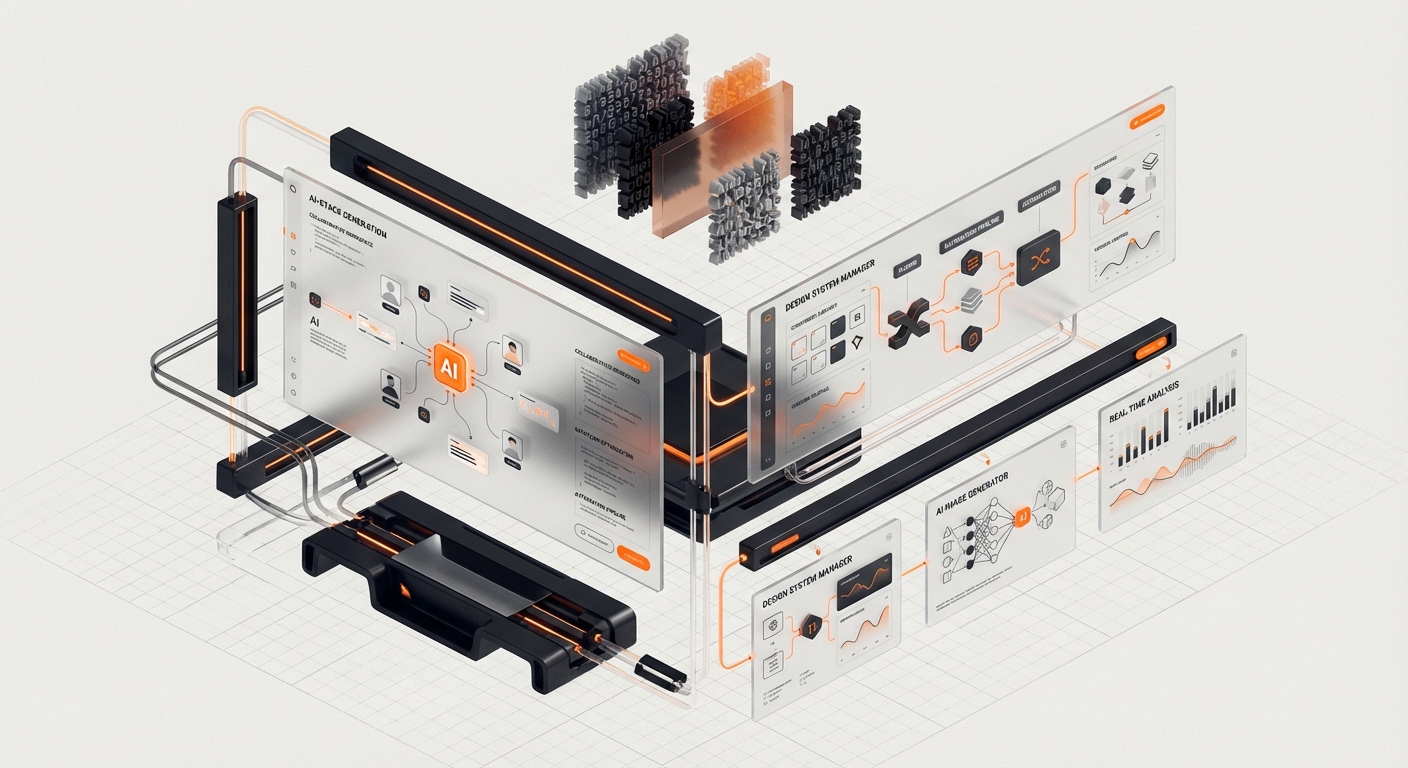
Map your current workflow, identify the 20% of activities consuming 80% of time, and target those with AI solutions first. At DesignX, we started with research synthesis and design system management, our biggest pain points. Once we solved those, we expanded to visual design and prototyping.
The mistake is adopting tools because they’re trendy. We’ve tested dozens of AI tools for designers that solved problems we didn’t have. Focus on measurable workflow improvements, not feature lists.
Integration and Training Strategy
AI tools only deliver value if your team actually uses them. This requires intentional integration and training. We implemented our design team AI stack in phases: introduce one tool category at a time, train thoroughly, let teams develop expertise, then add the next layer.
Training isn’t just “here’s how the buttons work.” It’s teaching judgment: when to use AI, when to trust your instincts, how to validate AI outputs, and when tools are hurting more than helping. We run weekly AI workflow showcases where designers share what’s working and what isn’t.
Create clear AI usage guidelines. When is AI-generated content acceptable? What requires human review? How do we handle client confidentiality with cloud AI tools? These policies prevent problems before they happen.
Cost and ROI Considerations
AI tools aren’t cheap. A full stack can run $200-500 per designer per month. But the ROI is substantial if you measure correctly. We track time saved on specific tasks, project completion speed, and client satisfaction scores.
Our analysis: AI tools paid for themselves in 6 weeks through faster project delivery alone. The secondary benefits, better design quality, happier designers, fewer revision cycles, are harder to quantify but equally valuable.
Start with free trials and pilot programs. Test tools on real projects, measure actual time savings, and scale investment based on proven value. Don’t buy the full enterprise plan on day one.
Measuring Success and Iteration
Define success metrics before adopting AI tools. We track: design-to-development cycle time, design system adoption rates, user testing insight generation time, and designer satisfaction scores.
Monthly workflow reviews assess what’s working and what isn’t. Some tools we thought would be significant got dropped because they added more friction than value. Others we almost overlooked became indispensable once we learned their nuances.
Your AI design stack should evolve continuously. New tools emerge constantly, existing tools add game-changing features, and your team’s needs change as you grow. The stack that works today might be obsolete in six months.
Mistakes Teams Make Adopting AI Tools
Over-Automation and Loss of Design Craft
The biggest mistake we see: teams trying to automate away design thinking. AI can accelerate execution, but it can’t replace strategic thinking or design intuition. Teams that over-rely on AI produce generic, soulless work that feels like every other AI-generated design.
We’ve established a rule: AI suggests, humans decide. Every AI output gets human review. We use AI to explore options faster, not to avoid making creative decisions. The best work comes from the human-AI partnership, not AI autonomy.
Junior designers especially need to develop core craft skills before leaning heavily on AI. You need to understand design principles to judge AI outputs effectively. Teams that skip fundamentals and jump straight to AI tools produce designers who can’t think independently.
Tool Sprawl and Workflow Fragmentation
It’s tempting to adopt every promising AI tool. We’ve been there, at one point, our team was juggling 15+ AI tools, and the context-switching overhead destroyed any productivity gains. More tools isn’t better; the right tools integrated coherently is better.
We now maintain a curated core stack of 6-8 AI tools that cover essential use cases and integrate smoothly. Anything new has to displace an existing tool or solve a genuinely unmet need. This discipline keeps our workflow clean and learnable.
The test: if a tool requires more than 10 minutes of setup per project, it needs exceptional value to justify the friction. Most AI tools fail this test.
Ignoring Data Privacy and Confidentiality
Many AI tools send your designs to cloud servers for processing. This creates real confidentiality risks for client work. We’ve seen agencies accidentally leak client strategies, unreleased products, and proprietary brand assets through careless AI tool usage.
Establish clear data policies: what can be processed in cloud AI tools, what requires local processing, and which client projects prohibit AI altogether. We use on-premise AI solutions for sensitive work and commercial cloud tools for non-confidential projects.
Read the terms of service. Some AI tools explicitly claim rights to use your inputs for training. That’s a non-starter for client work. We maintain a vetted tool list with clear data handling policies documented for each tool.
Expecting Perfect AI Outputs
AI tools make mistakes. They hallucinate features, misunderstand context, and occasionally generate impressively wrong outputs. Teams that trust AI blindly ship those mistakes to clients or users.
We validate everything. AI-generated research insights get compared against raw data. AI-created designs get reviewed against brand guidelines. AI-written code gets tested by developers. Trust, but verify, isn’t just a policy, it’s a workflow requirement.
The paradox: the better AI gets, the more dangerous unverified trust becomes. When AI is 95% accurate, you stop checking as carefully, and that’s when the 5% of mistakes slip through.
FAQ: AI Design Tools in 2026
What are the best AI design tools for beginners in 2026?
Start with Figma AI for visual design, it’s integrated into a tool most designers already use. Add ChatGPT or Claude for research synthesis and content creation. These two cover 70% of common use cases without overwhelming workflow complexity. Once comfortable, explore specialized tools like Midjourney for visual exploration or Galileo AI for prototyping. The key is building competency with core tools before expanding to specialized solutions.
How much do AI design tools cost for a small team?
Budget $150-300 per designer per month for a solid AI stack. Core tools: Figma Professional with AI ($15/user), ChatGPT Plus ($20/user), Midjourney ($60/user), and supplemental tools like Adobe Firefly ($25-50/user). Enterprise teams with complex needs can spend $500+/user, but small teams should start lean and scale based on proven ROI. Many tools offer team discounts that reduce per-user costs significantly.
Can AI design tools replace human designers?
No, and teams that try fail quickly. AI tools for designers amplify human creativity; they don’t replace strategic thinking, taste, or client relationships. AI handles mechanical execution, explores variations rapidly, and automates tedious tasks. Humans provide creative direction, understand user psychology, make nuanced judgments, and ensure designs align with business goals. The best results come from human-AI collaboration, not AI autonomy. Designers who embrace AI are more valuable than ever; those who resist are struggling.
Are AI-generated designs copyright-safe?
It depends on the tool. Adobe Firefly is trained only on licensed content and offers commercial use indemnification, safe for client work. Midjourney and DALL-E have more complex licensing that works for internal projects but requires careful review for commercial use. Never ship AI-generated work without understanding the tool’s training data sources and commercial use terms. When in doubt, use AI for ideation and have human designers create production assets. We maintain a legal-approved tool list with clear usage guidelines for each platform.
How do AI design tools handle accessibility requirements?
Modern AI tools increasingly include accessibility features. Figma AI audits contrast ratios, text sizing, and color accessibility in real-time. Specialized tools like Stark use AI to simulate various vision impairments and predict screen reader behavior. However, AI accessibility checking isn’t sufficient alone, combine automated scanning with human accessibility testing and user feedback from people with disabilities. AI catches technical compliance issues; humans ensure actual usability and inclusive experience.
What’s the learning curve for AI design tools?
Basic competency comes quickly, most designers are productive with core AI design tools within 1-2 weeks. Mastery takes 2-3 months of regular use to develop the judgment of when to use AI versus manual design, how to prompt effectively, and how to validate outputs. The biggest learning curve isn’t technical, it’s conceptual. Designers need to rethink workflows around AI augmentation rather than traditional manual processes. Teams that invest in structured training and workflow development see productivity gains 3-4x faster than those who expect organic adoption.
How will AI design tools evolve beyond 2026?
Expect deeper integration and context awareness. AI will understand entire project contexts, brand guidelines, user research, previous designs, technical constraints, and provide suggestions built for your specific situation. Design team AI stack tools will interconnect smooth, sharing context and learning from your team’s patterns. We’ll see AI becoming true design partners that understand intent and strategy, not just executing tactical tasks. The human role will shift further toward creative direction, strategic thinking, and quality curation while AI handles increasingly sophisticated execution.
Conclusion: The Future Belongs to Human-AI Design Teams
The question isn’t whether to adopt AI design tools 2026, it’s how quickly you can build the workflows and judgment to use them effectively. At DesignX, AI has transformed how we work, making us faster, more creative, and more strategic. But technology alone doesn’t create great design. The magic happens when skilled designers use AI to amplify their vision and eliminate the friction that used to slow great ideas down.
The teams thriving with AI share common traits: they’re thoughtful about tool selection, disciplined about workflow integration, and clear that AI augments human creativity rather than replacing it. They invest in training, establish quality standards, and continuously iterate their processes. Most importantly, they maintain the design craft and strategic thinking that AI can’t replicate.
Your competitors are already building their AI capabilities. The advantage goes to teams who start now, learn fast, and develop the workflows that turn AI tools into competitive use.
Ready to transform your design workflow with AI? Contact DesignX to discuss how we can help your team build and implement a modern AI design stack built for your specific needs. We’ve spent two years learning what works, let us accelerate your AI adoption journey and help you avoid the costly mistakes we’ve already made for you.
Related Reading
- Design Sprints vs Traditional Agencies: A Cost-Benefit Analysis for Modern Teams
- Design Sprints vs Traditional Agencies: A Cost-Benefit Analysis for Modern Teams
- The ROI of Design: How Enterprise Companies Measure Design Impact