
If you are looking for a design brief template for clients, start here. We have received polished decks, long Notion docs, and three-line emails. The projects that go well are not the ones with the longest brief. They are the ones where the client names the problem, the audience, the deadline, and the budget in plain English.
A long brief does not make a good brief. A short one does not make a bad one. What usually throws the project off is missing context: the real business problem, who needs to sign off, who the work is for, and how much room there is in the budget.
This is the template we actually use. We have refined it through work for clients including Klein Tools, Oura Ring, HP, and Bodybuilding.com. Copy it, trim it, or use it word for word. The point is to start the project on solid ground.
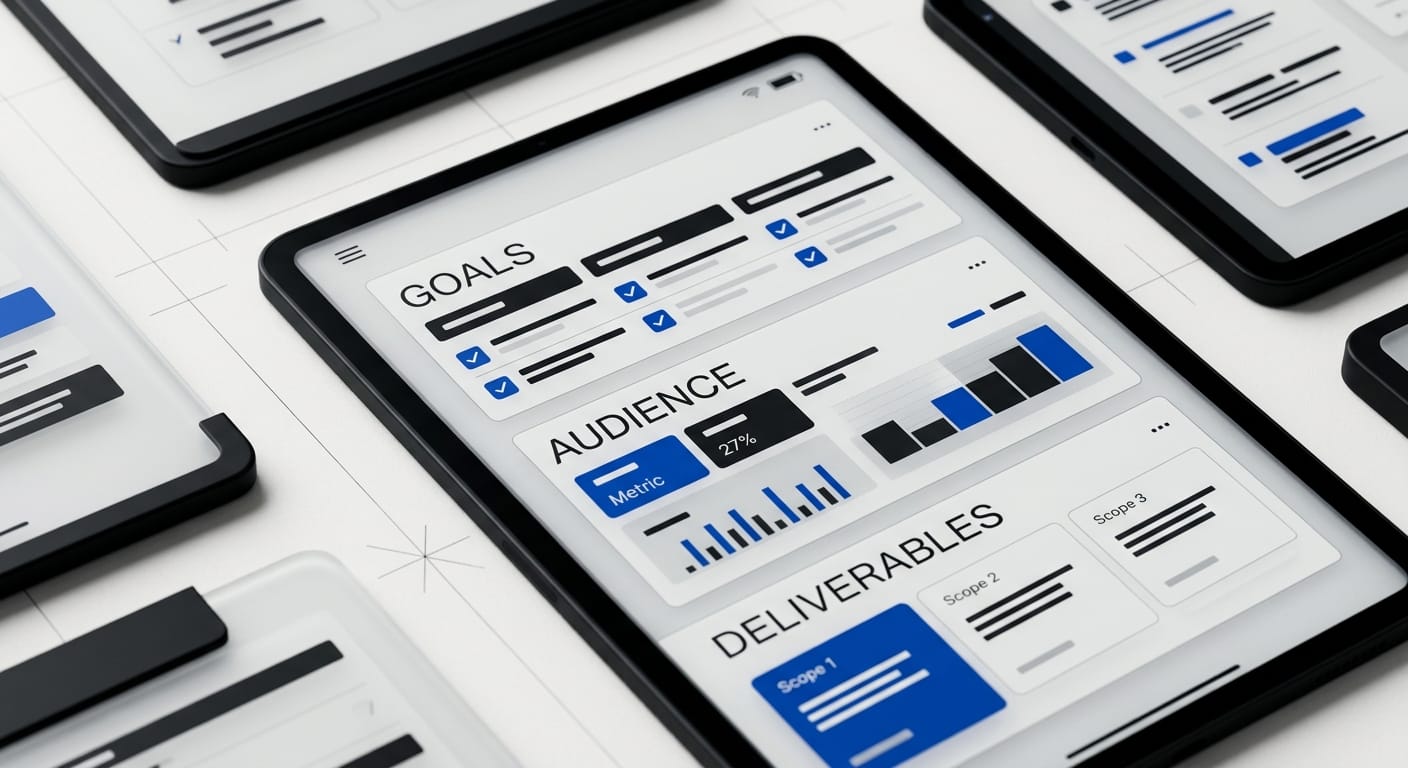
Why Most Design Briefs Don’t Work
The brief we see most often sounds like this: “We need a logo, a website, and something that feels modern.” That is not a brief. It is a shopping list.
PMI reported that nearly half of unsuccessful projects fail to meet goals because of inaccurate requirements management. That maps cleanly to design work. If the brief is vague, the project turns into guesswork, revision loops, and scope creep.
Asana’s 2023 Anatomy of Work report also found that 87% of workers at companies with clear, connected goals say their organization is prepared to meet customer expectations. Good briefs create that kind of clarity early. They align the client team before the designer has to interpret mixed signals.
We saw this firsthand when we redesigned Klein Tools’ product catalog, a 40,000+ SKU system used by dealers across the country. The useful brief was not “make the catalog look better.” The useful brief was: dealers cannot find products fast enough, some categories get skipped, and adoption is lagging. We changed the information architecture before touching the visuals, and dealer adoption went up 23%.
Design Brief Template for Clients: The 8 Sections That Matter
Fill in what you know. Leave blanks where you do not. An honest “we are not sure yet” is more helpful than filler because it tells your agency where discovery work needs to happen.
1. Company Background
Tell us what your company does, how it makes money, who buys from you, and what stage you are in. Seed-stage SaaS, regional manufacturer, venture-backed healthcare platform, mature e-commerce brand, all of those create different design constraints.
If your positioning still feels fuzzy, it helps to work through a few fundamentals first. Our startup branding guide is a good reference for getting your category, audience, and point of view into sharper focus.
2. Project Scope
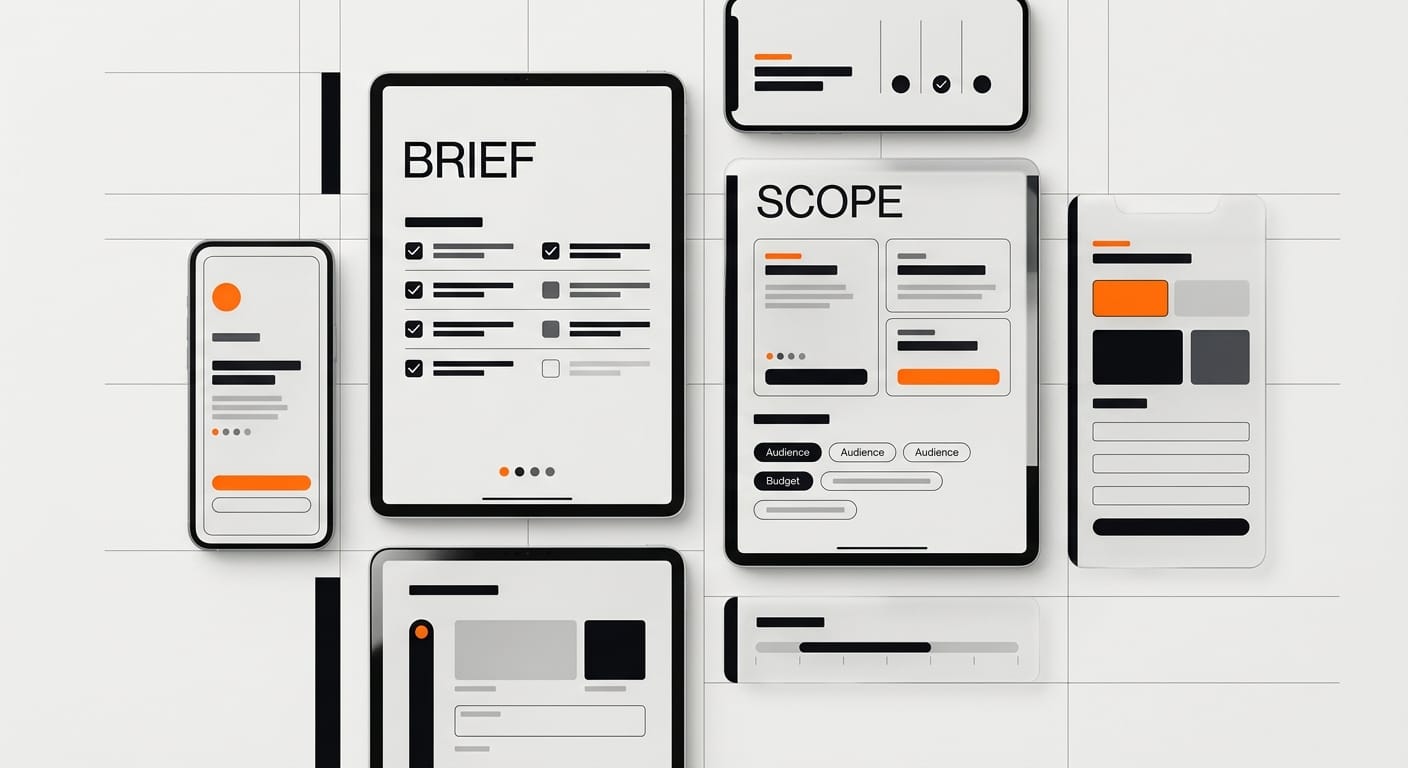
What are we actually making? A brand identity system, a landing page, a marketing site, a dashboard redesign, a product catalog, a design system refresh?
Be specific about deliverables, but do not over-script the solution. “We need a five-page site that helps enterprise buyers understand the product” is useful. “We need something clean and modern” is not. Also include what is out of scope. Copy, development, analytics setup, SEO, photography, and motion can change the shape of a project fast.
3. Design Goals
Name what success looks like. Better yet, make it measurable. Increase demo requests by 20%. Reduce support tickets from the onboarding flow. Help distributors find products faster. Give the sales team a sharper story.
If you have baseline metrics, include them. If you do not, write the problem in plain language. A good agency can work from that.
4. Target Audience
Who is the work for, and who is it not for? Most briefs stay too high level here. “Small business owners” does not tell us enough. “Operations leaders at multi-location service companies who are replacing a messy incumbent tool” tells us much more.
Include the buyer, the user, and the approver if those are different people. That one detail clears up a lot of feedback problems later.
5. Visual Preferences
Share three to five examples you like, then explain what you like about each one. White space, hierarchy, tone, trust signals, speed, product storytelling, all of that is fair game. The explanation matters more than the link.
Do the same with one or two examples you dislike. “We do not want to look sterile” is useful. “We hate green” is less useful unless there is a real brand reason behind it.
6. Deliverables and Formats
List the files and outputs you expect to receive: Figma files, a component library, print-ready PDFs, image exports, Webflow implementation, design tokens, or presentation templates.
If the project touches product UI, say whether you need a reusable system or just final screens. Our design system documentation template shows the level of detail that makes handoff smoother for internal teams.
7. Timeline
Name the real deadline and why it exists. Product launch, board meeting, conference, procurement cycle, investor update, those are real constraints. “Soon” is not.
Also say who needs to approve the work and how feedback will be collected. A six-week project with one decision-maker behaves differently than a six-week project with a founder, CMO, head of product, and outside investor all weighing in.
8. Budget
Give a number or a tight range. If that feels uncomfortable, you are not alone. Most clients worry that naming a number means the agency will spend all of it. Good agencies know that concern is real.
Still, the number matters. A $12,000 brand refresh and a $60,000 brand system are not the same engagement. Without budget context, the proposal is usually wrong in one of two directions: under-scoped or overbuilt. If you need a benchmark, our design agency pricing guide gives a grounded view of what senior design support tends to cost.
How to Use a Design Brief Template for Clients Without Slowing the Project Down
You do not need a perfect brief before the first call. You need a useful one.
Start with goals, audience, budget, and scope. Those four sections do most of the work. Once they are solid, the rest of the brief gets easier because you are making decisions from a real set of constraints.
If time is tight, fill out the brief in this order:
- Goals: what needs to change after the project is live?
- Audience: who needs to trust, understand, or use this work?
- Budget: what level of solution is realistic?
- Scope: what are we making, and what are we not making?
- Timeline: what deadline actually matters?
- Preferences and deliverables: what should the agency respond to, and what should they hand back?
A strong design brief template for clients does not add bureaucracy. It removes ambiguity before ambiguity gets expensive.
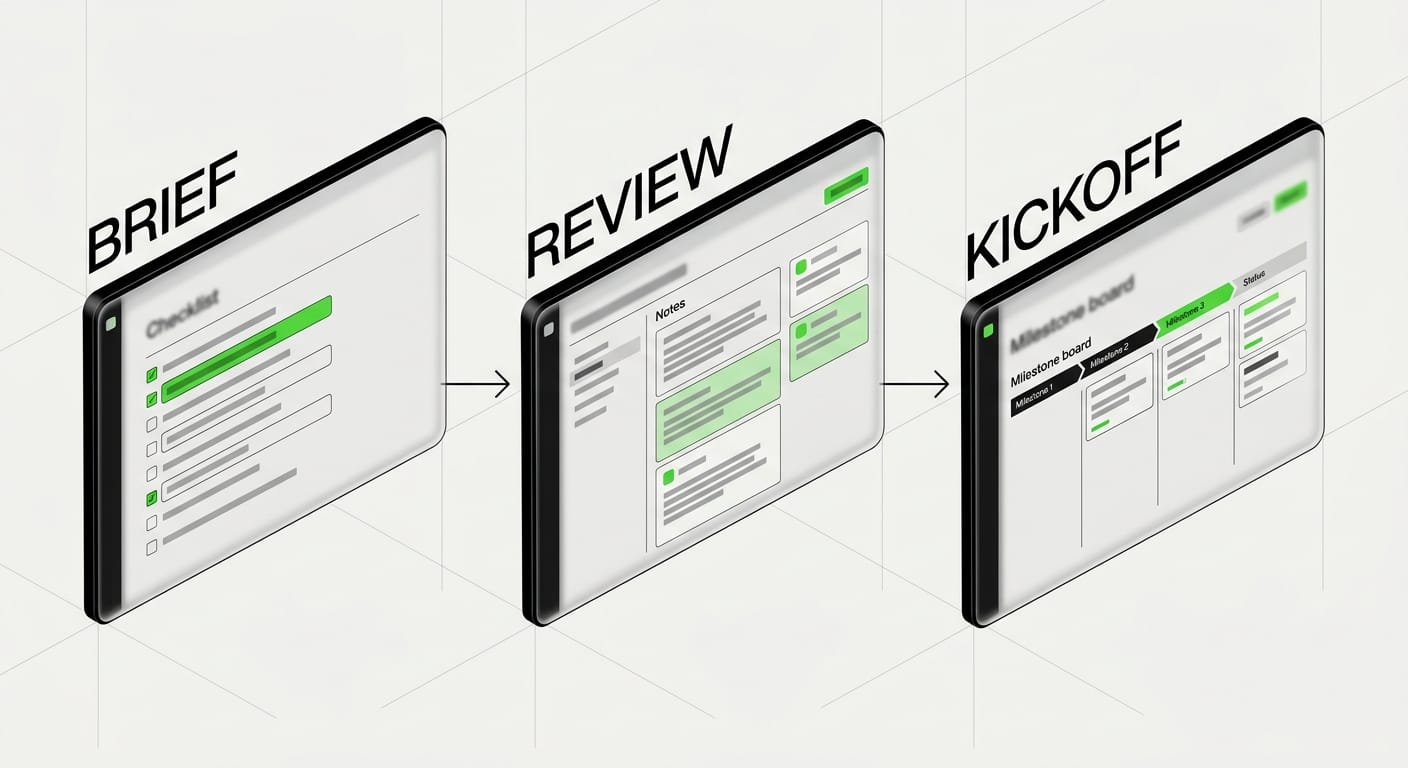
The Design Brief Template (Copy This)
Paste this into a Google Doc, Notion page, or email draft and fill it out before kickoff.
DESIGN BRIEF TEMPLATE FOR CLIENTS
Project name:
Submitted by:
Company:
Date:

1. COMPANY BACKGROUND
What does your company do?
How does it make money?
Who buys from you?
What stage is the company in?
What is working today, and what is not?

2. PROJECT SCOPE
What are we hiring for?
What deliverables are required?
What is out of scope?

3. DESIGN GOALS
What needs to change after this project?
How will success be measured?
What problem are we trying to solve?

4. TARGET AUDIENCE
Primary audience:
Secondary audience:
Buyer / user / approver:
Who is not the audience?

5. VISUAL PREFERENCES
Examples we like:
Why we like them:
Examples we want to avoid:
Why we want to avoid them:
Existing brand guidelines or assets:

6. DELIVERABLES AND FORMATS
Files needed:
Preferred tools or output formats:
Who will own the files after handoff?

7. TIMELINE
Target kickoff date:
Hard deadline:
Why that deadline matters:
Approvers:
Feedback process:

8. BUDGET
Budget or approved range:
Anything the agency should know about procurement or approval:
What Happens After You Send the Brief
At DesignX, we review every brief before the first call. That changes the conversation. Instead of spending the call collecting basic facts, we can react to the scope, pressure-test the timeline, and tell you where the project is likely to get stuck.
A good brief does not guarantee a good project, but it raises the odds. It also makes it easier for an agency to tell you when the stated ask is off. Sometimes the right answer is a narrower scope. Sometimes it is more strategy before design. Sometimes it is a faster decision-maker, not more design rounds.
If you use this design brief template for clients, the first meeting will be sharper, the proposal will be tighter, and the project will start with fewer hidden assumptions.
Frequently Asked Questions
How long should a design brief be?
Usually one to three pages. If a designer can read it in under ten minutes and understand the problem, audience, scope, budget, and timeline, it is long enough. Longer briefs are fine when the project is complex, but length by itself is not a quality signal.
Should the client or the agency write the brief?
The client should write the first draft because the client owns the business context. The agency should then refine it because the agency sees the gaps, tradeoffs, and delivery risks. The strongest briefs are collaborative documents, not one-sided intake forms.
What is the difference between a design brief and a creative brief?
A design brief defines the problem, audience, scope, constraints, and success criteria. A creative brief usually goes deeper on message, tone, and campaign direction. On many projects, the design brief comes first and the creative brief follows once the strategy is locked.
Do I need a brief for a small project?
Yes. Even a logo refresh or landing page redesign benefits from a short brief. For small projects, you can compress it to scope, audience, goals, timeline, and budget. That still prevents most of the usual confusion.
What if I do not know my budget yet?
Give a realistic range and say what is driving the uncertainty. That gives the agency something useful to respond to. “We are still figuring it out” does not give them much to work with.
Can I reach out before the brief is complete?
Yes. If the project is moving quickly, send what you have and note the open questions. We do that with clients all the time. The goal is not paperwork. The goal is enough clarity to have a useful first conversation.
Ready to start with a design brief template for clients that saves time instead of creating more work? Talk with DesignX. We review every brief before the first call and give direct feedback on scope, goals, and fit.
If you want a senior design partner to turn this into a sharper product, brand, or website, see how DesignX works.